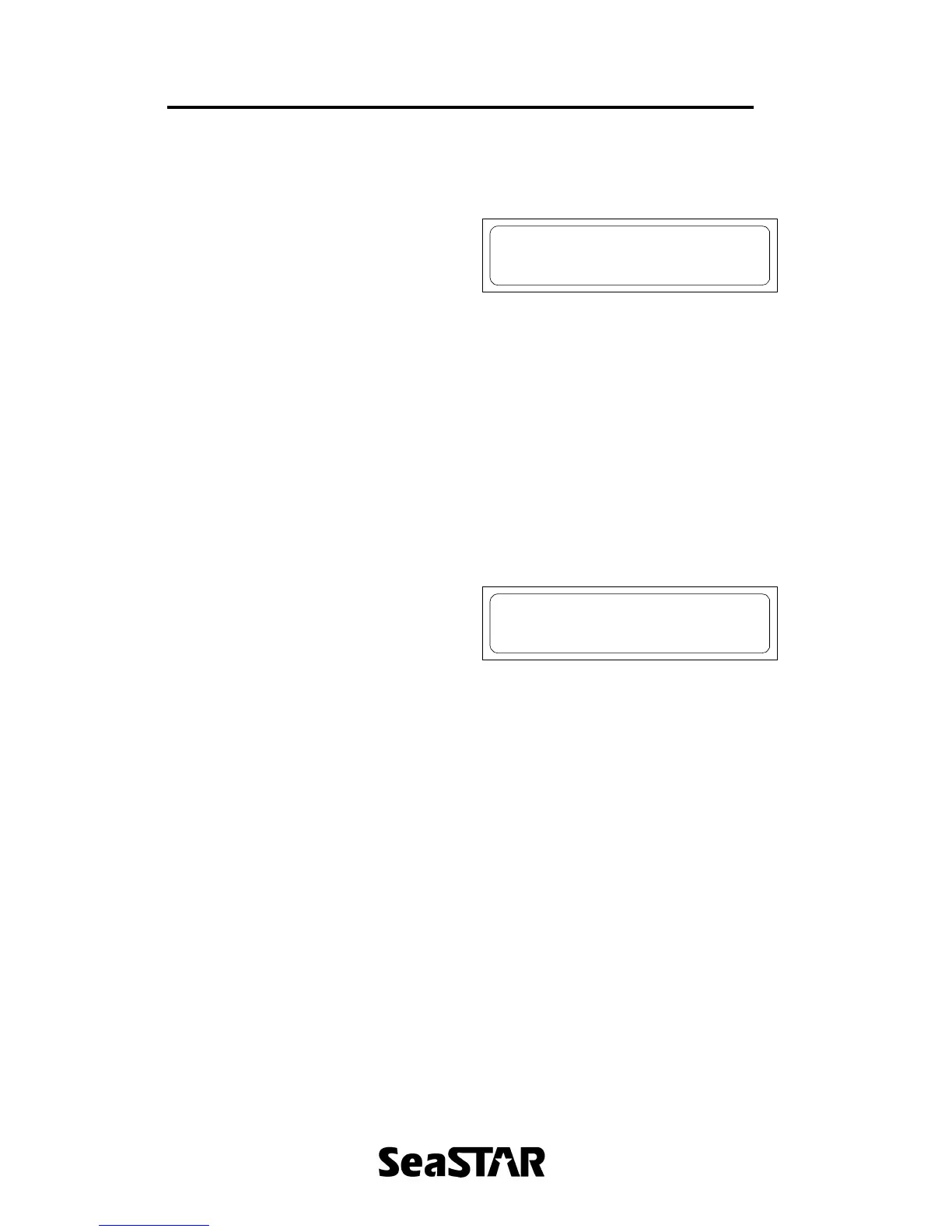
The receiver will begin searching for the
DGPS satellite and dark bars will begin to
appear. “Init” will be displayed in the
bottom right of the screen.
A signal strength will be shown in the top
left of the screen.
When the receiver has lock, “Lock” will
appear where “Init” was previously.
Note: If “Lock” does not appear, check
frequency and symbol rate in the Set
Channel menu and make sure the
antenna is connected with a clear view
of the sky.
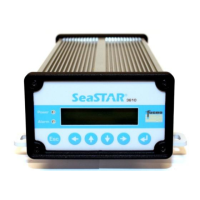
The contrast of the screen can be
adjusted by pressing ? or ? at this main
screen
Contrast 120
ABCDEFGHIJKLMNOP


 To Next Page