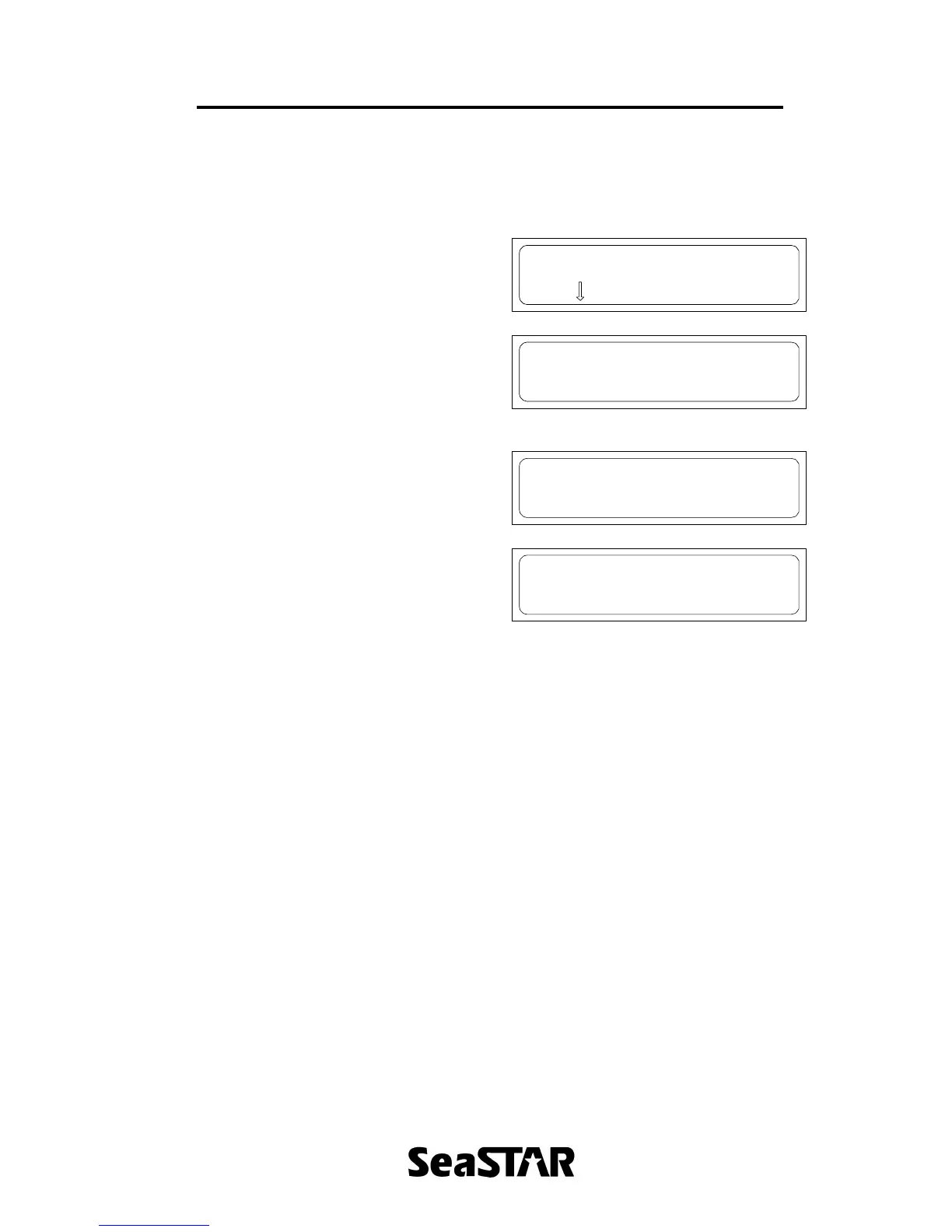
Current Channel Menu
Displays DGPS satellite status.
By pressing the ? key to get to this menu,
followed by ? to enter the menu, the
following sequence occurs when ? is
continually pressed.
Current Channel
Press to enter
Where “OPTUS” is shown in this example
is the DGPS satellite service that is
currently selected. The service ID
confirms that lock has been acquired on
the channel of the service.
OPTUS ID:10
Service ID x 2873
The uplinked time displays the time and
date (UTC) received from the DGPS
satellite.
Uplinked Time
19Nov04 06:01:55
This screen shows the date of which the
receiver is subscribed to the DGPS
satellite data.
Expire 06 Jan 05
Pressing ? again will return to the
Current Channel menu entry screen.


 To Next Page