SeaSTAR 3510LR USER MANUAL
Configure Ports Menu
This menu allows changes to the baud rates of the two ports on the back of the
receiver.
By pressing the ? key until Configure
ports is displayed, followed by ? the
following sequence is displayed when ?
is continually pressed.
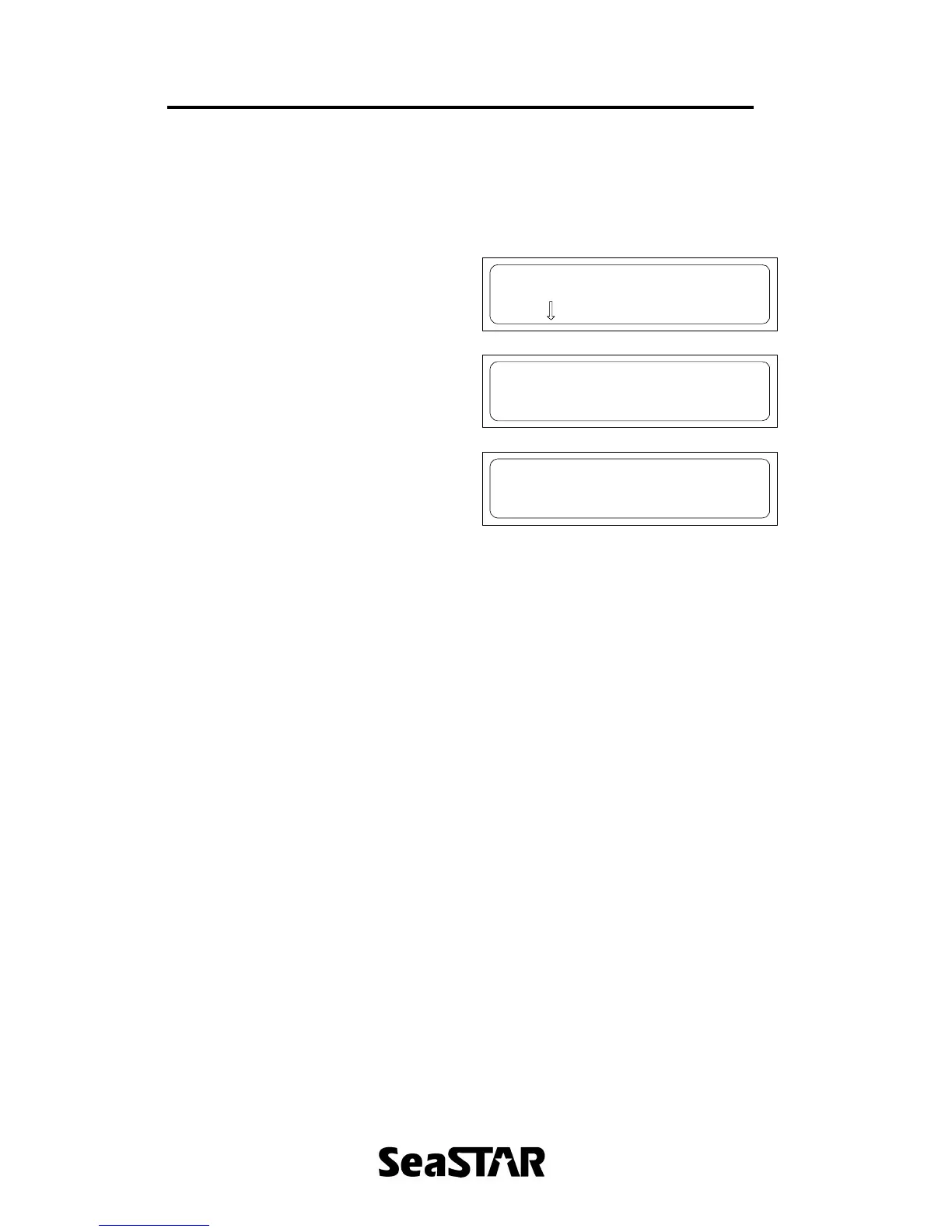
Configure ports
Press to enter
Set Data Port allows alternate baud rates
to be selected. Press ? until the desired
baud rate is displayed. Press ↵ to save
the changes.
Set Data Port
9600bps 8 n 1
Set Cmd Port allows alternate baud rates
to be selected. Press ? until the desired
baud rate is displayed. Press ↵ to save
the changes.
Note: Only te baud rate can be
changed. The data bits, parity and
stop bits are fixed.
Set Cmd Port
9600bps 8 n 1
Press ? to return to the Configuration
ports menu entry point.


 To Next Page