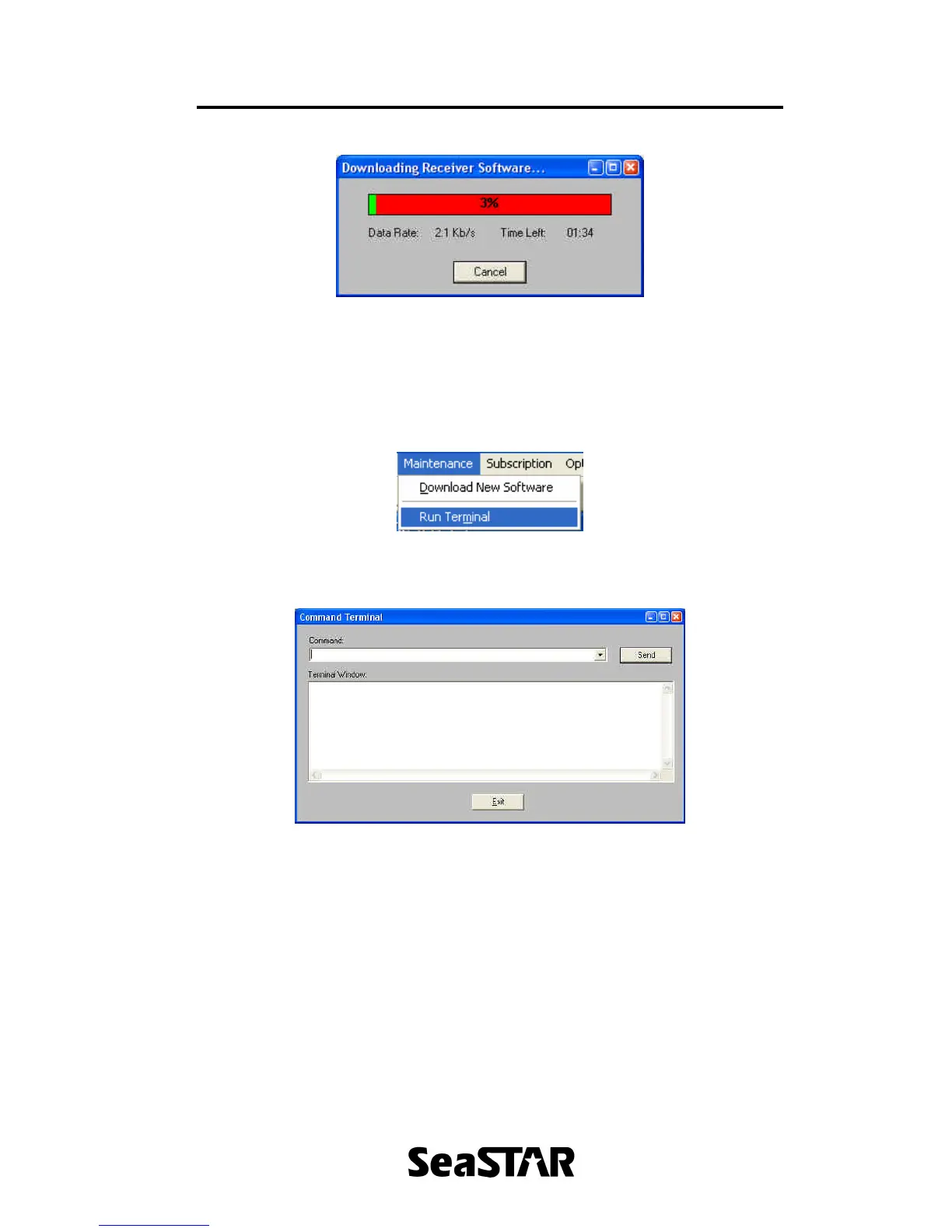
Figure 22.
4.2 Run Terminal
To open the terminal click ‘Maintenance’ menu followed by ‘Run Terminal’, as
shown in Figure 23. A window will appear as shown in Figure 24 that allows
operators to send commands directly to the 3500.
Figure 23.
Figure 24.
5. Subscription Menu
The subscription menu allows users to view the subscription details. To open this
menu, click ‘Subscription’ on the menu bar.
5.1 Details
To view the details of the subscription, click ‘Subscription’ menu followed by
‘Details’. This will bring up a window similar to that of Figure 25. This displays
information such as the group number, expiry date, allowed modes of operation,
enabled uplinks and range rings.


 To Next Page