Intramural Interface Circuit
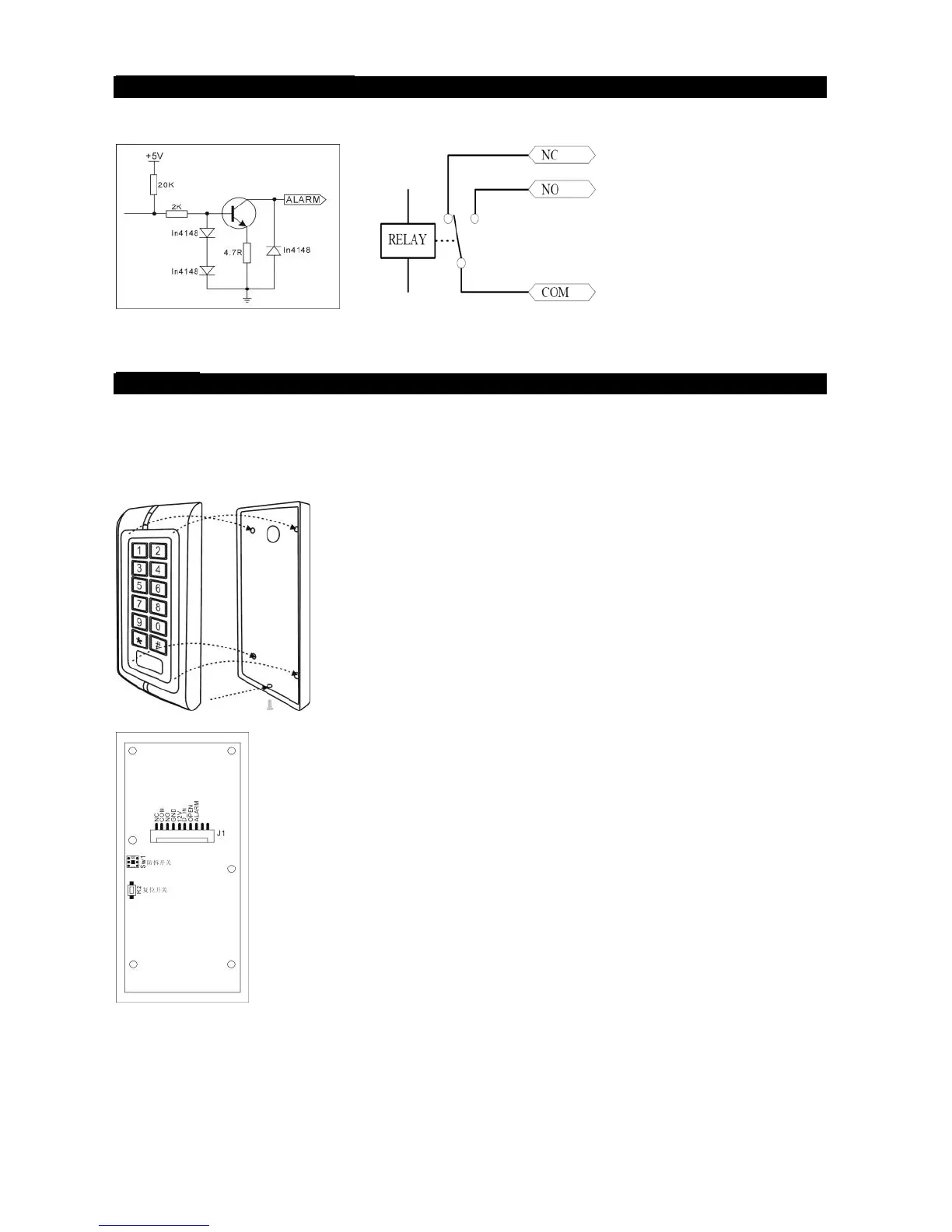
1. Alarm output interface (See Figure 1)
2. Electric lock interface (See Figure 2)
Figure 1 Figure 2
Mounting
1. Attach the rear plate to a single or double gang electrical box or secure to the
wall firmly with at least three flat head screws.
2. When wiring has been completed, attach the front cover to the rear plate.
Figure 3
Figure 4
The front cover can be permanently secured by using the short screw supplied
K2 Printed Circuit Board



 To Next Page