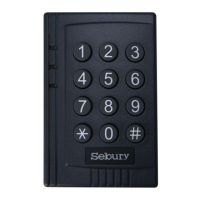
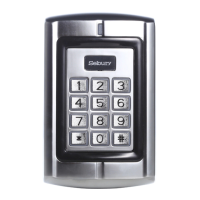
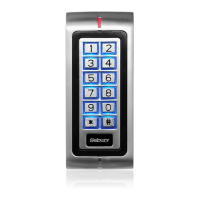
Power Up
1. After all wiring is complete and the unit face plate is attached to the back plate,
apply 12Vdc power to the unit. Accept LED(the yellow LED) flashing.
Engineer Programming Mode
To enter programming mode
Press: * 9999 # within 5 seconds, Ready(the green LED) and Accept LED
illuminated, Open LED flashing.
Note
Press: # to save changes and exit engineer programming, when all programming
has been completed otherwise changes will not be saved.
Changing Master & User Codes
In engineer programming mode:
To change Master code
Press: 0 new master code # re-enter new master code #
Upon acceptance Open LED illuminates and stops flashing. Press * after
changing the master code, otherwise unit will disregard the new code and revert back
to the factory default code.
Note: the master code must be 4-8 digit number.
Adding User Codes & Cards
To Add User cards & codes
Press: 1 read card user identification #
Note: the user identification must be 3 digit number, if adding more than 1 card, read
the next card after inputting the 3 digit code for the previous card, when you have
finished adding all cards press the # key. 1
st
card must be 000 up to 999.
Then the BC-2000 control station added a user card it was auto added a user code
with 1234.
Delete User Card or Cards
There are 3 options to delete a user card or cards, in engineering mode.
a.) Press: 2 0 0 0 0 # to delete all user cards
b.) Press: 2 read card # to delete individual user card
c.) Press: 2 user identification number # to delete individual user card


 To Next Page