2 3
www.sebury.com.cn www.sebury.com.cn
External Push Switch
Magnetic Contacts
Alarm
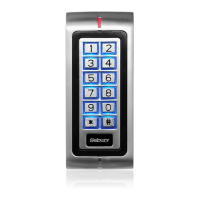
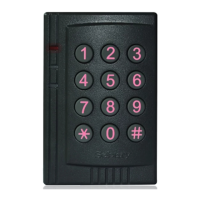
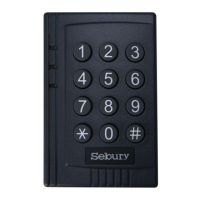
Keypad:
12 keys
Programming memory:
Non volatile Eeprom memory
There are no user serviceable parts contained within the K3
access control keypad.
If holes are to be drilled before mounting onto a wall, check for
hidden cables and/or pipes before drilling. Use safety goggles
when drilling or hammering in cable clips.
Every effort has been made to provide accurate information,
however slight variations can occur. We also reserve the right to
make changes for product improvement at any time
IMPORTANT INFORAMTION
PLEASE READ THE INSTRUCTIONS CAREFULLY BEFORE
ATTEMPTING TO INSTALL THE K3/K4
NOTE
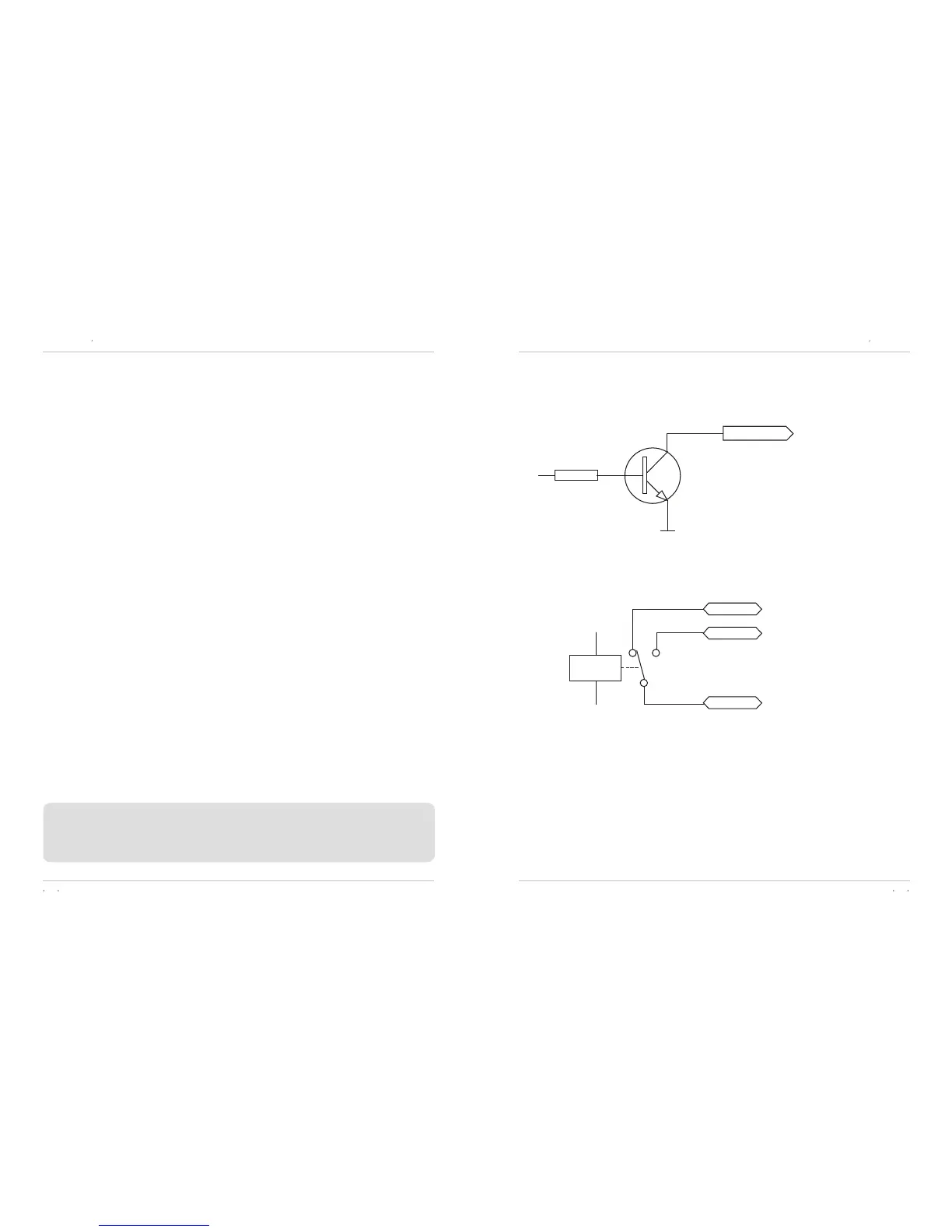
Figure
1
Figure 2
Intramural Interface Circuit
2. Electric lock interface (See Figure 2)
1. Alarm output interface (See Figure 1)
ALARM
Q
GND
R
2K
NC
NO
COM
RELAY
K3/K4 user s manualK3/K4 user s manual
1. Attach the rear plate to a single or double gang electrical box or
secure to the wall firmly with at least three flat head screws.
2. When wiring has been completed, attach the front cover to the
rear plate.
Mounting


 To Next Page