38 •
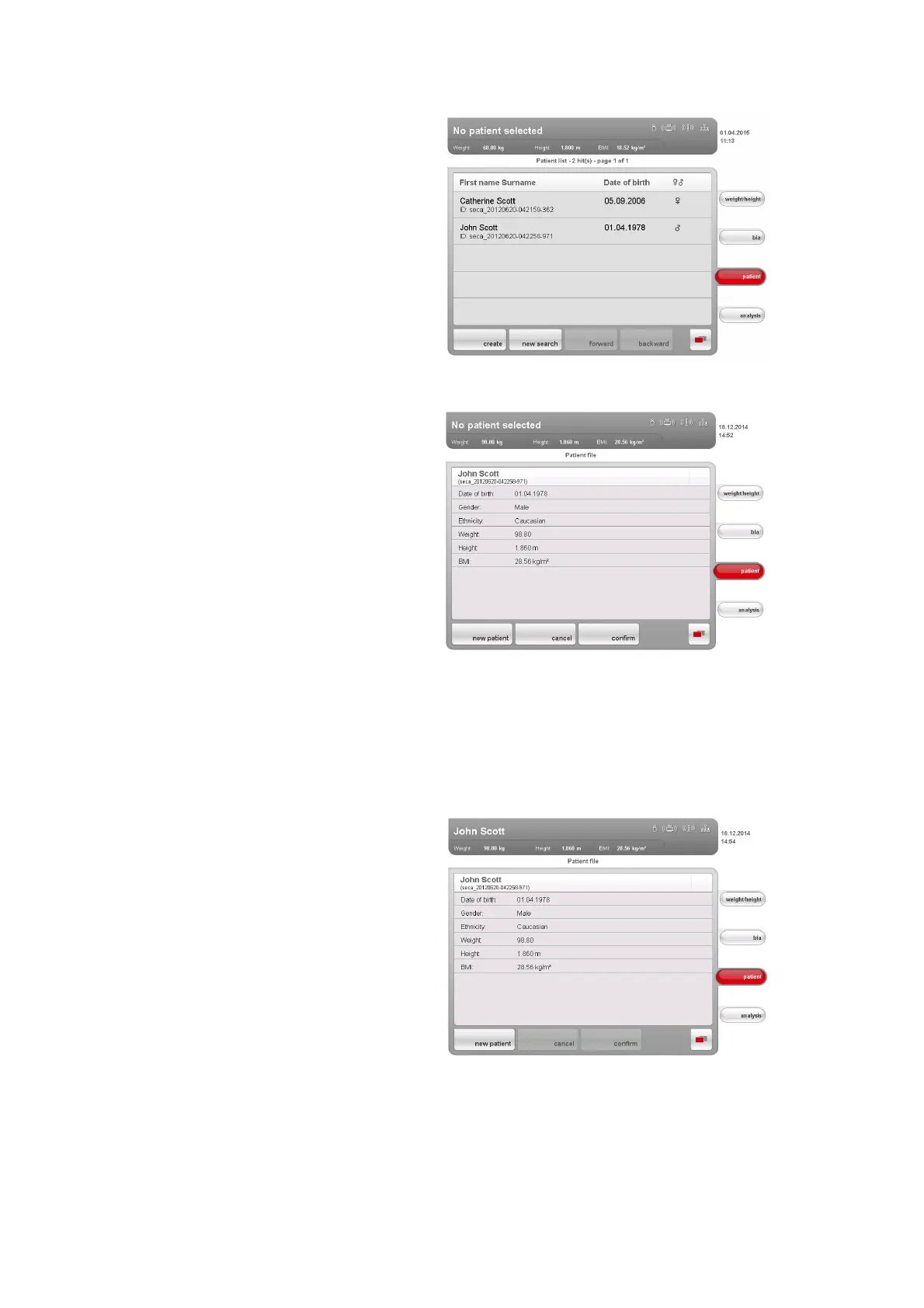
All patients who meet the search criterion are displayed.
4. Press the desired entry.
The patient details are displayed.
5. Ensure that you have selected the correct patient.
NOTE:
• If you wish to perform a new patient search, press the new patient
button.
• If you wish to return to the results list, press the
cancel button. If the
results list has only one entry, the search screen appears.
6. Press the
confirm button.
The current measurement is assigned to the selected seca patient file.
The name of the patient appears in the header of the touchscreen display.



 To Next Page