Model 634 23
GB
6. Cleaning
Clean the rubber surface and the housing as required using a domestic cleaning agent or
commercially-available disinfectant. Follow the manufacturer’s instructions.
Under no circumstances use abrasive or acid cleaners, white spirit, benzene or the like for
cleaning. Such substances can damage the high-quality surfaces.
7. What do I do if…
… no weight display comes on?
– Is the scale switched on?
– Check the batteries.
– Is the plug contact for connecting the display to the scale correctly connected?
…
0.000 does not appear before weighing?
– Press the Start key again – there must not be any load on the scale – and only its feet
should be in contact with the floor.
… one segment is illuminated constantly or not at all?
– The relevant segment has a fault. Inform Servicing.
…
St0p appears in the display?
– Maximum load has been exceeded.
… the display flashes?
– If you have just activated the Hold or Tare function, please wait until the scale has de-
tected a steady weight value. The display will then stop flashing.
– If there has been no activation of a function beforehand, remove the load from the scale
and wait until
0.0 is displayed, then weigh again.
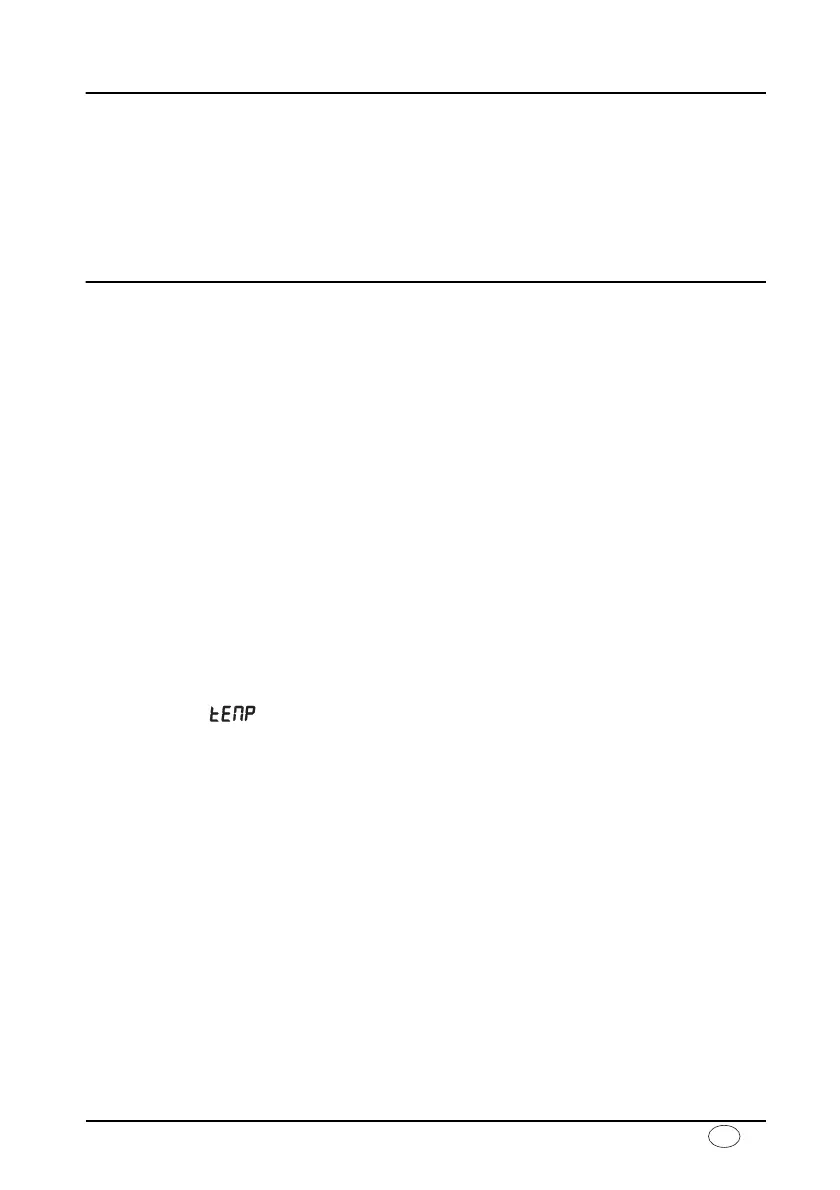
… the display appears?
– The ambient temperature of the scale is too high or too low. Place the scale in an
ambient temperature between +10 °C and +40 °C. Wait about 15 minutes for the
scale to adapt to the ambient temperature and then weigh again.
… the display
E and a number appear?
– Switch off the scale with the Start key and start the scale again. The scale will then
work normally again.
If this is not the case, disconnect the power supply by briefly removing the batteries. If
this measure is equally unsuccessful, inform the Service department.
Visit www.balances.com Your Authorized Seca Dealer



 To Next Page