Safety information • 59
4
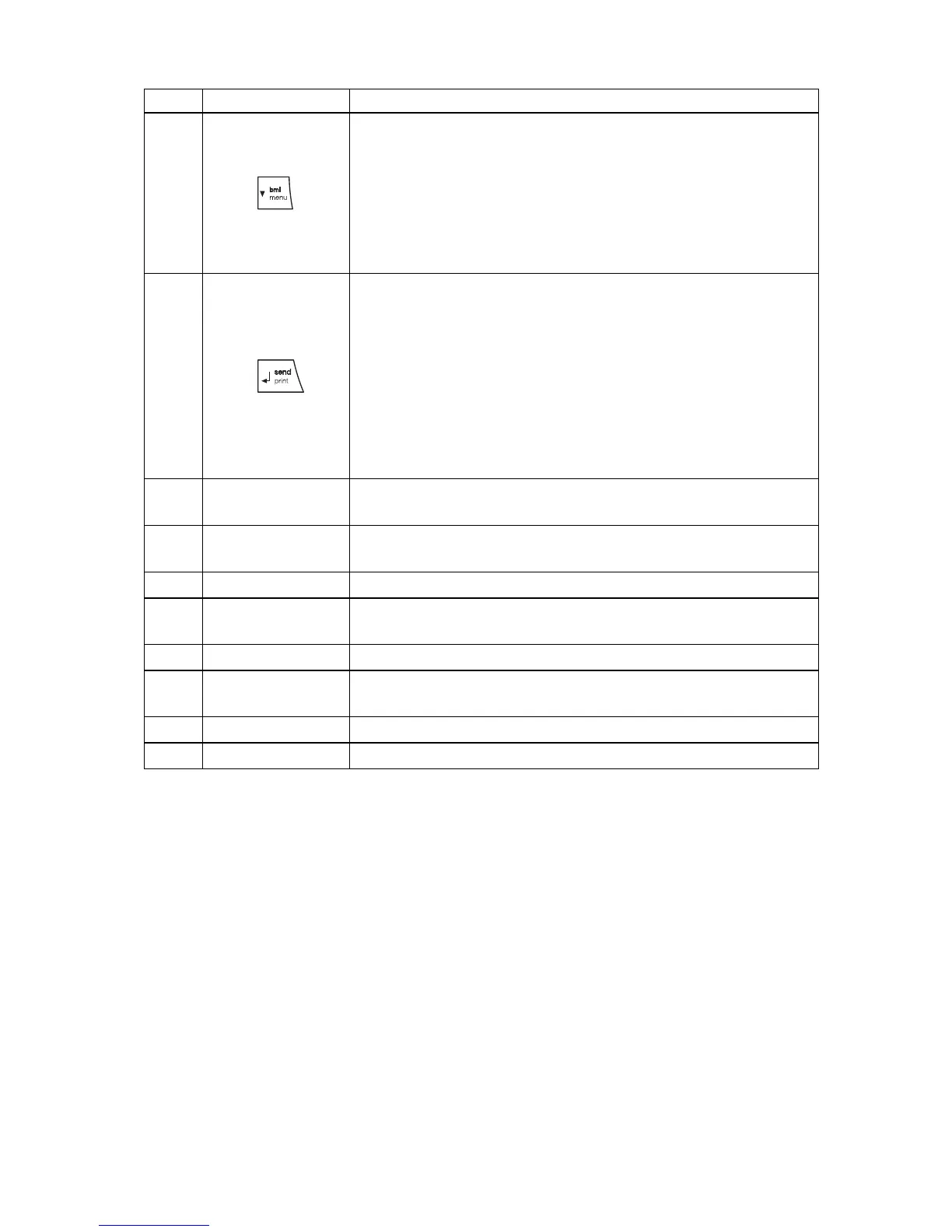
Arrow key
• During weighing:
- press briefly: activate BMI function
- press and hold: call up menu
• In the menu:
- select submenu, select menu item
- reduce value
5
Enter key
During weighing (if wireless network is set up):
- press briefly: send measuring result to devices ready
to receive it (PC with USB wireless adapter)
- press and hold: print out measuring result (wireless
printer)
• In the menu:
- confirm selected menu item
- save set value
6
Display
Display element for measuring results and to configure
the device
7
Transport
casters
The scale can be moved on these casters.
8
Locking screws For securing the railing in the upright position
9
Access ramps
• Can be folded up
• Facilitate access to the scale by wheelchair
10
Spirit level Shows whether the device is horizontal
11
Power supply
connection
Serves to connect the power pack supplied
12
Latch Secures the railing in the down position during transport.
13
Foot screw 4 pcs, for precise alignment
No. Control Function



 To Next Page