10 •
4. BEFORE YOU REALLY GET STARTED ...
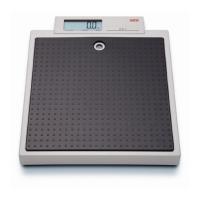
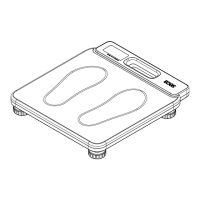
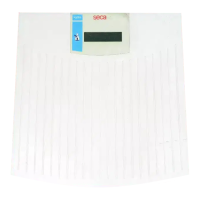
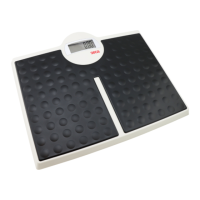
4.1 Scope of delivery
4.2 Establishing power supply
Inserting battery You need 6 AA-type batteries, 1.5 V (included in the scope of delivery).
1. Press on the latch of the battery compartment.
2. Remove the cover of the battery compartment.
3. Insert the batteries.
NOTE:
Ensure the correct polarity of the batteries (markings in the battery
compartment). If the display
appears, you have inserted one of
the batteries the wrong way round or the batteries have discharged.
4. Close the battery compartment.
Connect the power supply unit
(optional)
The scale can be operated with a power supply unit (accessory).
WARNING!
Using the wrong power supply units may cause bodily injury or
damage to the device
Conventional power supply units may deliver a higher voltage than is
indicated on them. The scale may overheat, catch fire, melt or short-
circuit.
► Use only original seca plug-in power supply units with controlled
12 V output voltage.
1. Insert the plug required for your power supply into the power supply unit.
2. Insert the connector of the power supply unit into the connecting socket
of the scale.
3. Plug the power supply unit into a power supply socket.
No. Component Pcs.
a
Personal scale 1
b
Interchangeable design panel 1
c
Battery 6
-
"Changing design panel" flyer 1
-
Operating instructions 1
a
b
c
Connection for power supply unit



 To Next Page