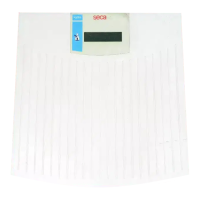
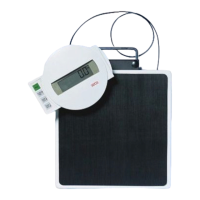
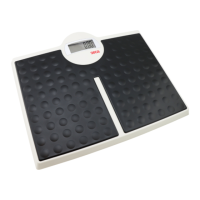
Before you really get started ... • 11
5. OPERATION
5.1 Weighing
Starting the weighing procedure 1. Ensure that there is no load on the scale.
2. Press the
start key.
se[A appears in the display, then all the elements of the display are
shown briefly.
The scale is operational when
0.00 appears in the display.
If the scale is operated with a power supply unit, the symbol appears in
the display.
3. Stand on the scale and keep still.
4. Read off the measured result.
Weighing babies/toddlers (2-in-1) The 2 in 1 function can be used to determine the weight of babies and tod-
dlers. The child is held in an adult's arms during weighing to do so. Proceed
as outlined below.
1. Ensure that there is no load on the scale.
2. Ask the adult to stand on the scale.
3. Read off the measured result.
4. Keep the
2 in 1 key depressed until the message NET appears in the
display.
The weight is saved.
0.00 appears in the display.
ATTENTION!
Incorrect measurement as a result of changing starting weight
If weighing of the child commences with a different starting weight, it
will not be possible to determine the child's weight correctly.
► Ensure that the child is always weighed with the adult with whom the
starting weight was determined.
► Ensure that the adult's weight does not change - as a result of their
taking off a piece of clothing, for example.
5. Ask the adult to get onto the scale holding the child.
The child's weight is displayed.
The symbol and the messages "HOLD" and "NET" are displayed.
6. Ask the adult to get off the scale with the child.
7. In order to deactivate the
2 in 1 function, press the 2 in 1 key until the
symbol and the "HOLD" and "NET" messages are no longer displayed, or
switch off the scale.
Display measuring result
permanently (HOLD)
When you activate the HOLD function, the weight value continues to be dis-
played after the load is removed from the scale. This enables you to attend to
the patient before recording the weight.
1. Ensure that there is no load on the scale.
2. Ask the patient to position him or herself on the scale.
3. Briefly press the
hold key.
The display flashes until a stable weight is measured. The weight is then
continuously displayed. The symbol (non-verifiable function) and the
message "HOLD" are displayed.



 To Next Page