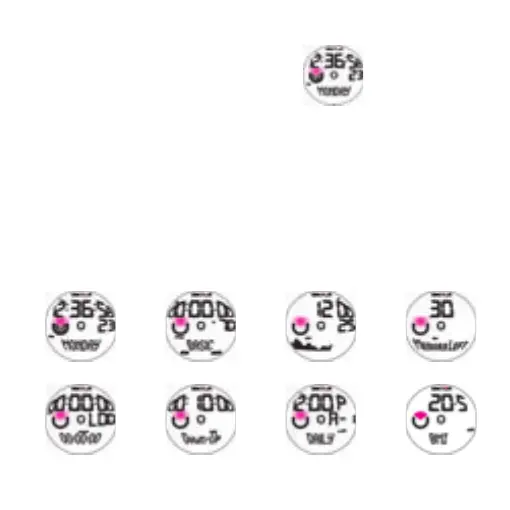
2.2 Navigating among modes
At any mode main display, press S3 to
go to next mode, as below sequences:
Queste le modalità possibili:
TOD → Sport → Altimeter → File → Chrono → Timer →
Alarm → User → TOD
In each mode, related mode icon will show in the Mode Bar.
If you are under setting mode, press S4 2 seconds to get to the main display first
Below are each mode’s main displays:
S1 = pusher at 2 o’clock position
S2 = pusher at 4 o’ clock position
S3 = pusher at 8 o’ clock position
S4 = pusher at 10 o’clock position
S1
S2
S4
S3
TOD Sport Altimeter File
Chrono Timer Alarm User



 To Next Page