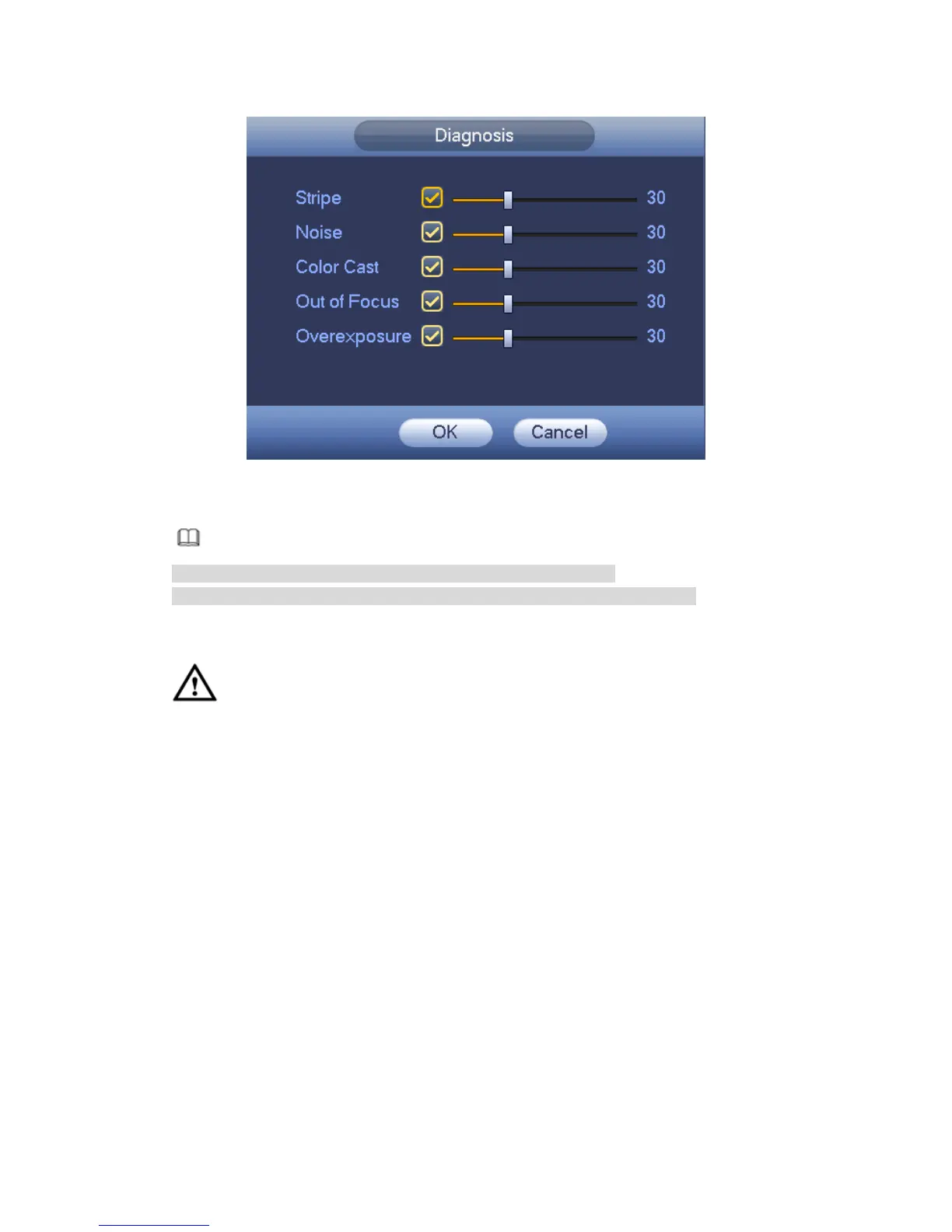
Figure 4-143
Note
Video analysis alarm can trigger PTZ preset, tour, and pattern.
Please refer to chapter 4.9.3.1.1 motion detection for detailed information.
4.9.3.2 IVS (Optional)
CAUTION
The IVS function is optional.
The different series products support different IVS functions. Please refer to
your purchased product actual interface for detailed information.
Disable Add IP channel function if you want to use IVS function.
Once any object violates the rule, the DVR can trigger an alarm and alert you as the
specified alarm mode.
Step 1 From main menu->Setting->Event->IVS.
Enter IVS interface. See Figure 4-144.



 To Next Page