It includes several modes such as standard, color, bright,
gentle. Select a color mode, the sharpness, brightness,
contrast and etc can automatically switch to
corresponding setup.
Click or to adjust image equalization value.
Click reset button , system can auto adjust the video
to the best effect.
Note
This function is for HD analog channel only.
It is to adjust the image position on the screen. The
value here refers to the pixel. The default pixel value is
16.
Note
This function is for analog channel only.
4.3.6 Display
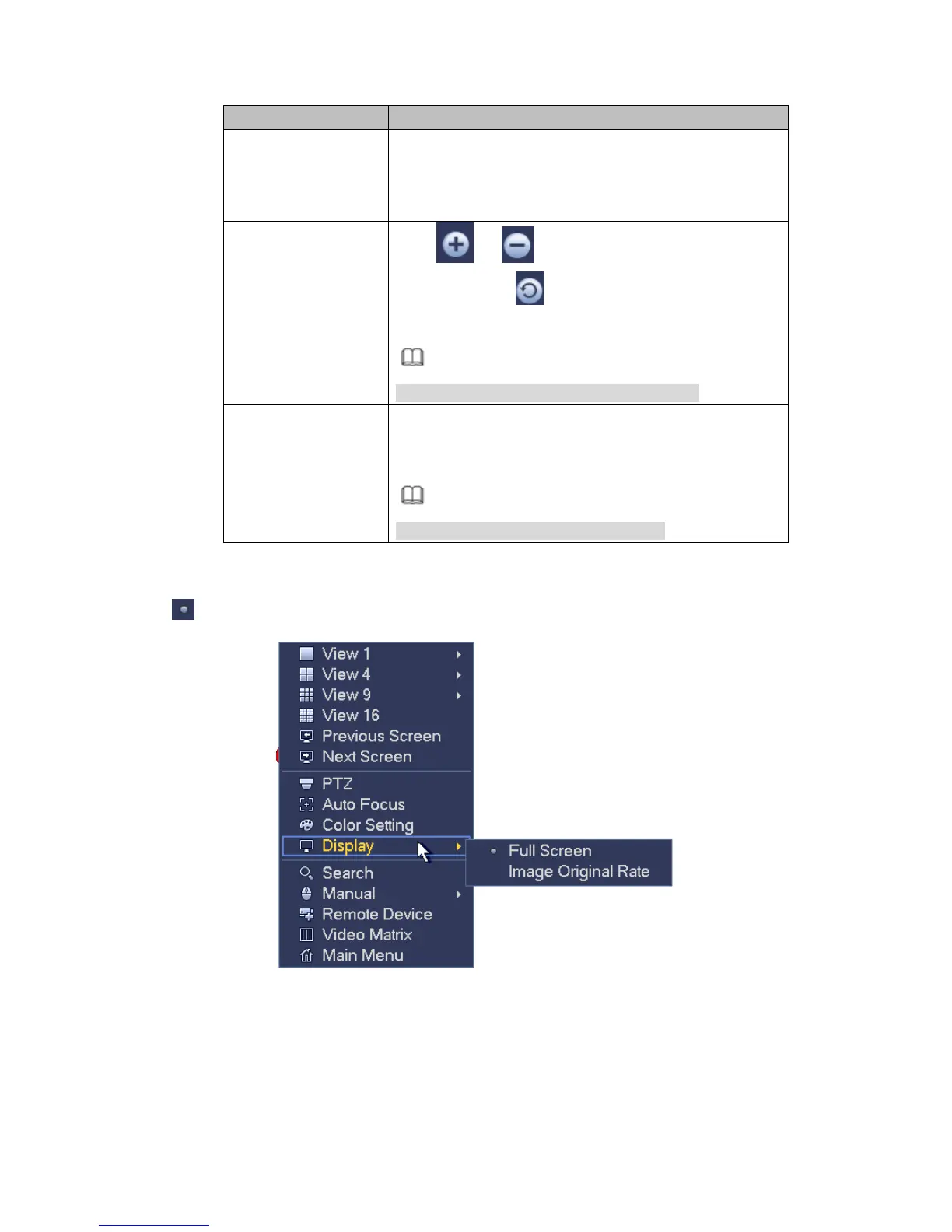
It is to set display output mode. There are two modes: full screen/image original rate. Icon
means current display output mode. See Figure 4-65.
Figure 4-65
4.3.7 Face Search
It is to display human face record list, and view human face recognition record file.
4.3.8 Search



 To Next Page