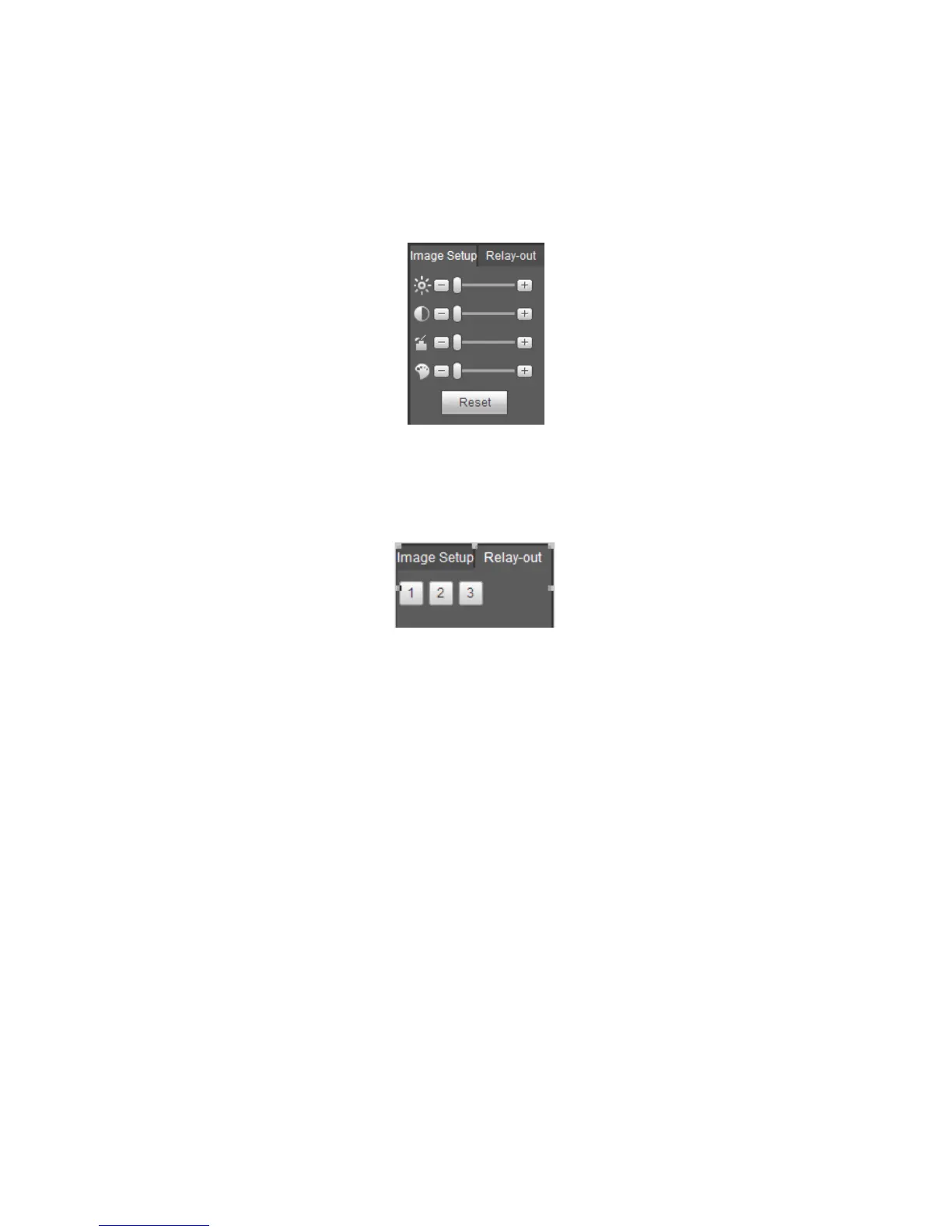
Select one monitor channel video and then click Image button in section 8, the interface is
shown as Figure 5-19.
5.8.1 Image
Here you can adjust its brightness, contrast, hue and saturation. (Current channel border
becomes green).
Or you can click Reset button to restore system default setup.
Figure 5-19
5.8.2 Relay output
Here you can enable or disable the alarm signal of the corresponding port. See Figure
5-20.
Figure 5-20
5.9 WAN Login
In WAN mode, after you logged in, the interface is shown as below. See Figure 5-21.



 To Next Page