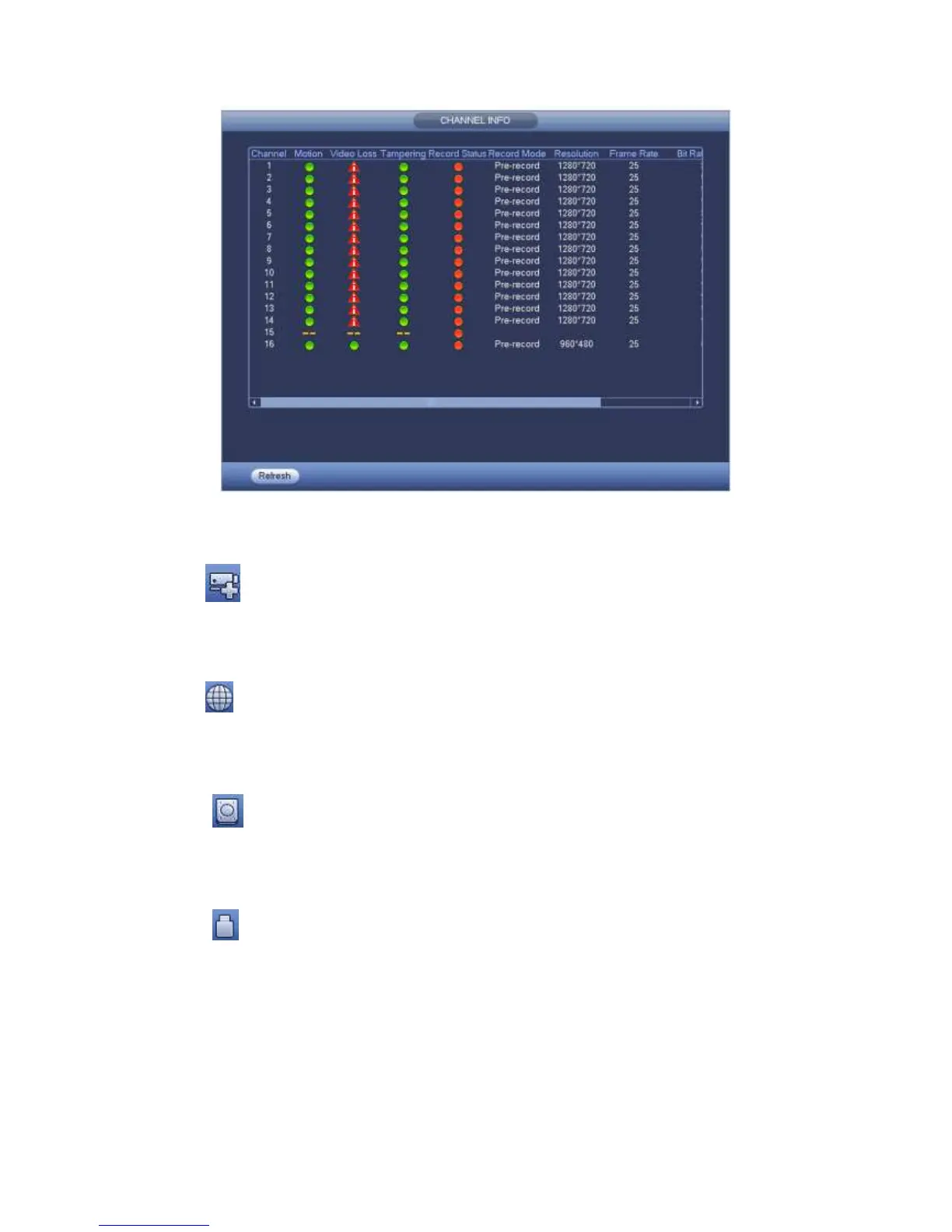
Figure 4-68
4.4.12 Registration
Click , system goes to an interface for you to view remote device information. Please
refer to chapter 4.9.1.1.
4.4.13 Network
Click , system goes to the network interface. It is to set network IP address, default
gateway and etc. Please refer to chapter 4.9.2.
4.4.14 HDD Manager
Click , system goes to the HDD manager interface. It is to view and manage HDD
information. Please refer to chapter 4.9.4.2.
4.4.15 USB Manager
Click , system goes to the USB Manager interface. It is to view USB information,
backup and update. Please refer to chapter 4.7.3 Backup, chapter 4.8.4 Log, Chapter
4.9.5.12 Import/Export,, and chapter 4.9.5.14 Upgrade for detailed information.
4.5 USB Device Auto Pop-up
After you inserted the USB device, system can auto detect it and pop up the following
dialogue box. It allows you to conveniently backup file, log, configuration or update



 To Next Page