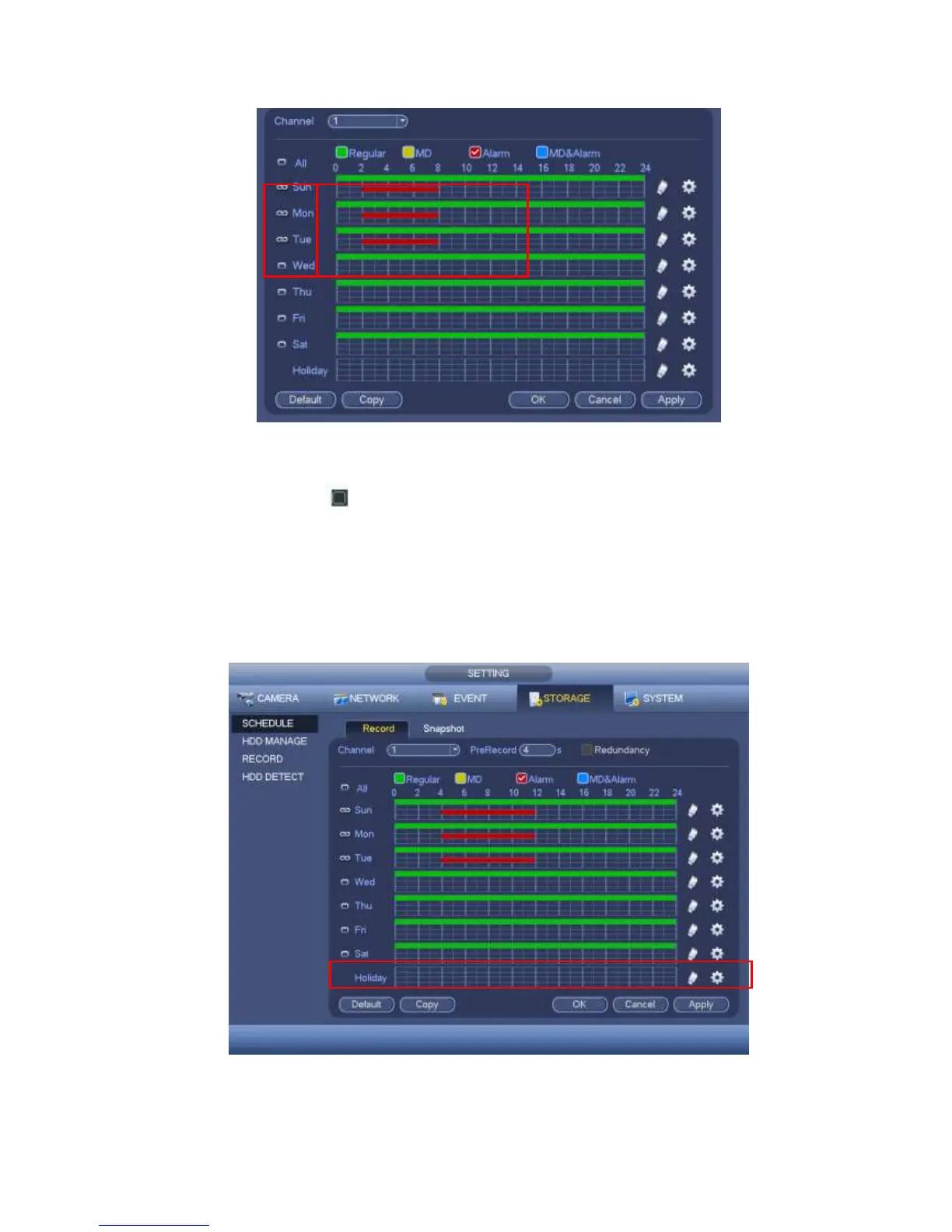
Figure 4-172
Please highlight icon to select the corresponding function. Click Apply or Save to
complete setup.
There are color bars for your reference. Green color stands for regular recording,
yellow color stands for motion detection and red color stands for alarm recording. The
white means the MD and alarm record is valid. Once you have set to record when the
MD and alarm occurs, system will not record neither motion detect occurs nor the
alarm occurs.
Figure 4-173



 To Next Page