Tips
You can check All button after the corresponding status to enable/disable all-channel
snapshot function.
Click Apply or Save to complete setup.
4.9.4.6 Quota
It is to set channel storage capacity.
CAUTION
This function is for some series only.
HDD group and quota mode cannot be valid at the same time.
System needs to restart once you change the mode here.
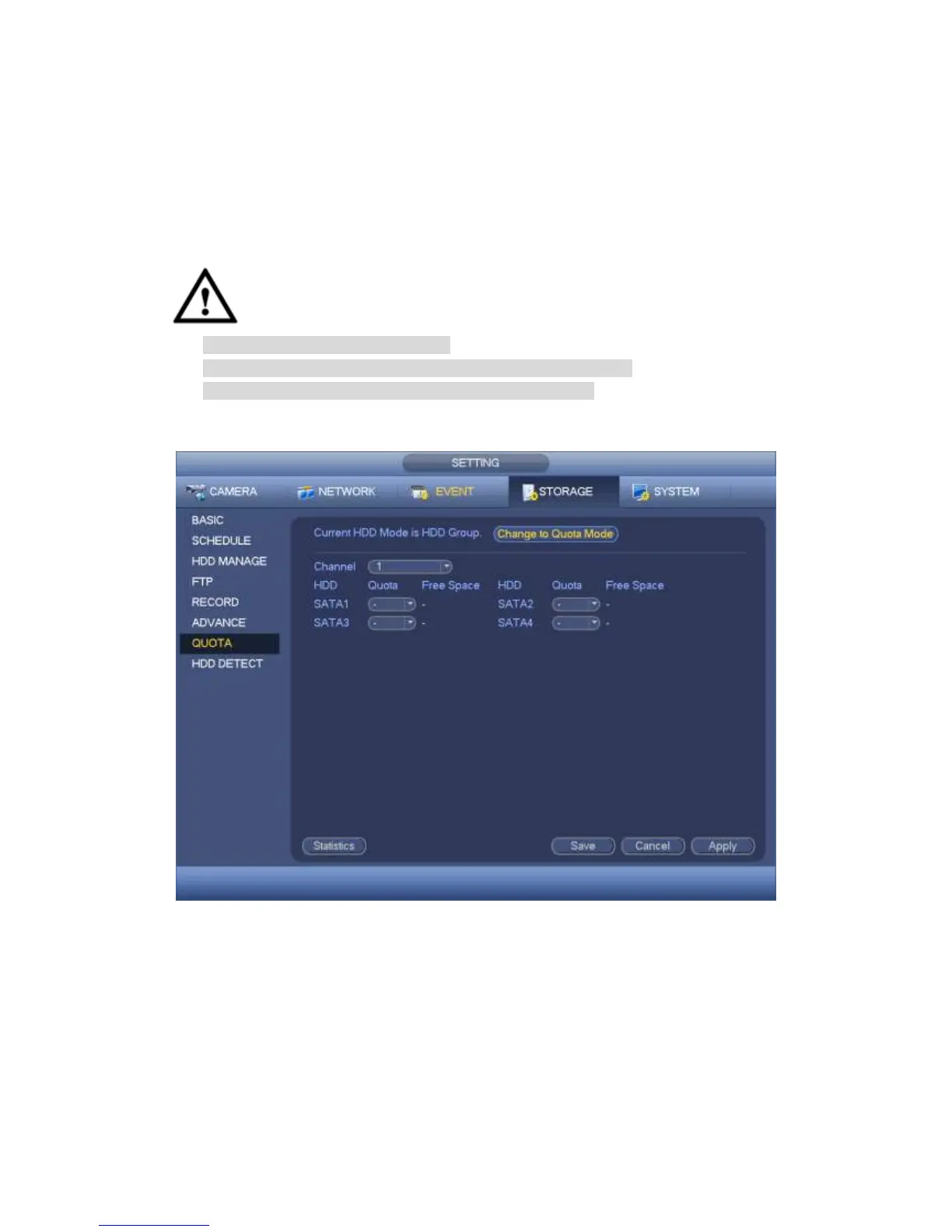
Step 1 From main menu->Setting->Storage->Quota.
Enter quota interface. See Figure 4-191.
Figure 4-191
Step 2 Select a channel from the dropdown list and then select corresponding HDD
quota.
Step 3 Click Apply or Save to complete setup.
Step 4 Click Statistics to view HDD capacity you set for each channel. See Figure 4-192.



 To Next Page