audio broadcast activation function.
4.9.5.8.1 File Manager
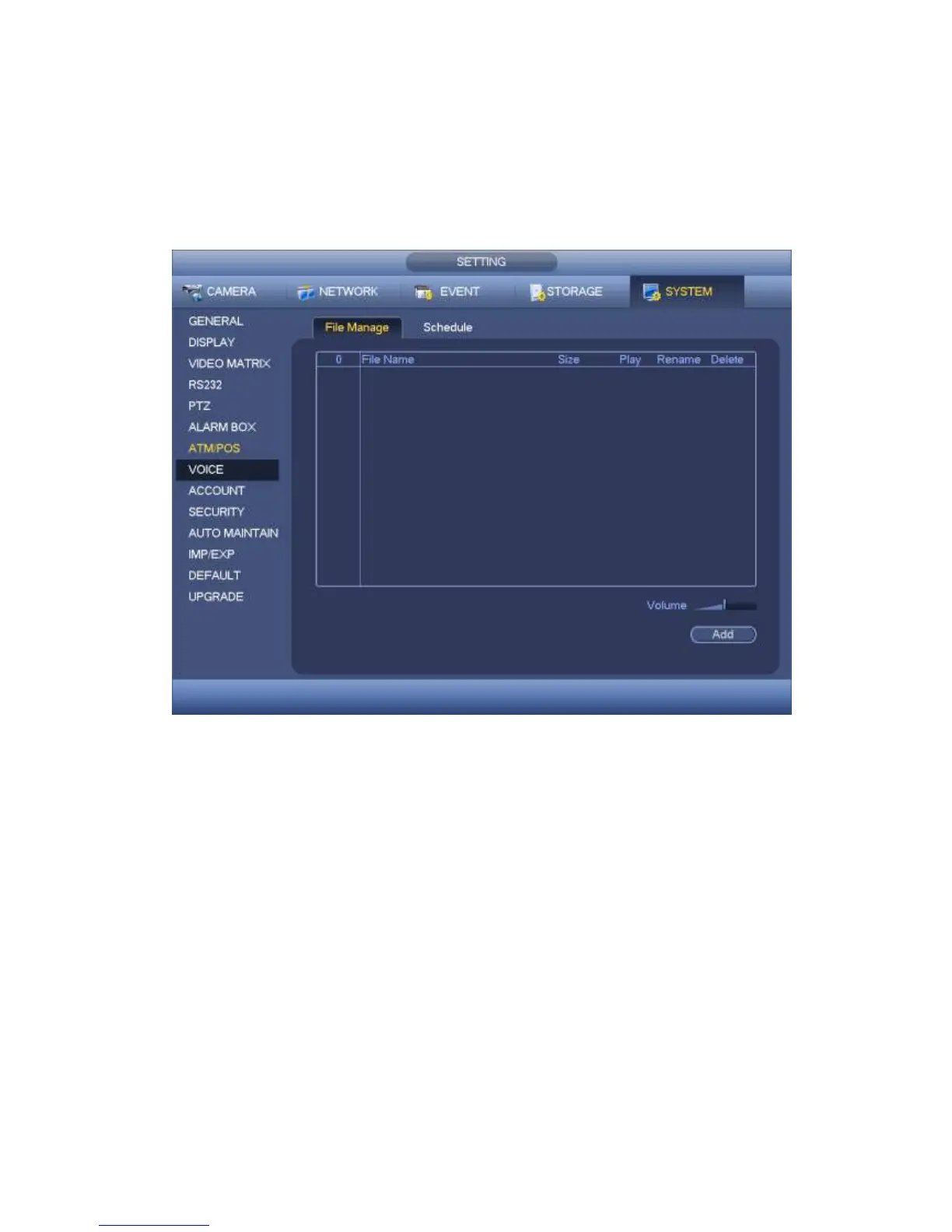
It is to add audio file, listen to the audio file, or rename/delete audio file. Here you can also
set audio volume.
Step 1 From main menu->Setting->System->Voice->File Manager.
Enter file manager interface. See Figure 4-215.
Figure 4-215
Step 2 Click Add button, it is to add audio file and import the audio file via the USB
device. See Figure 4-216.
The newly added audio file will be saved on the HDD of the device; you do not
need to connect to USB device again.



 To Next Page