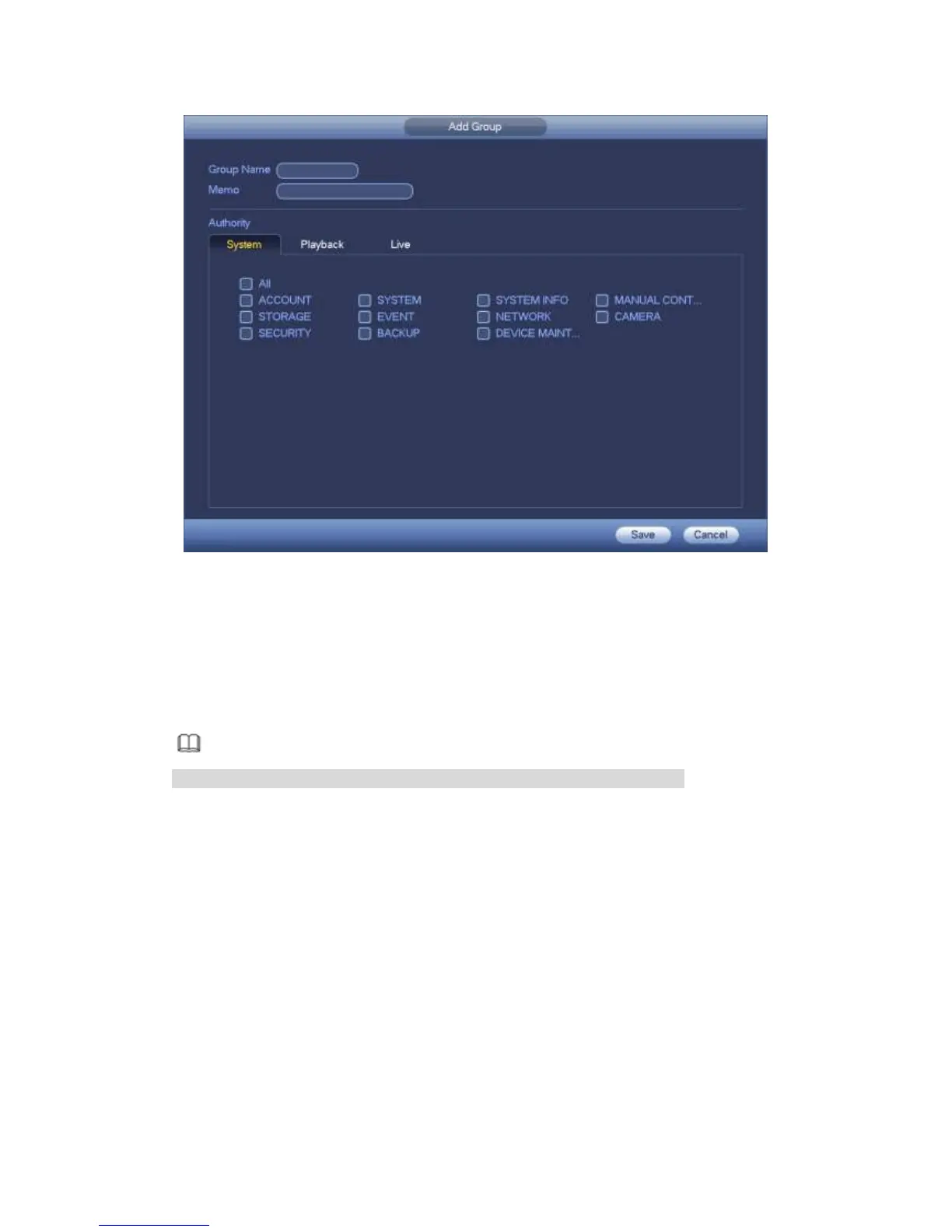
Figure 4-226
4.9.5.9.5 ONVIF User
When the camera from the third party is connected with the DVR via the ONVIF user,
please use the verified ONVIF account to connect to the DVR. Here you can
add/delete/modify user
Note
The default ONVIF user is admin. It is created after you initialize the DVR.
Step 1 From main menu->Setting->System->Account->ONVIF User.
Enter ONVIF interface. See Figure 4-227.



 To Next Page