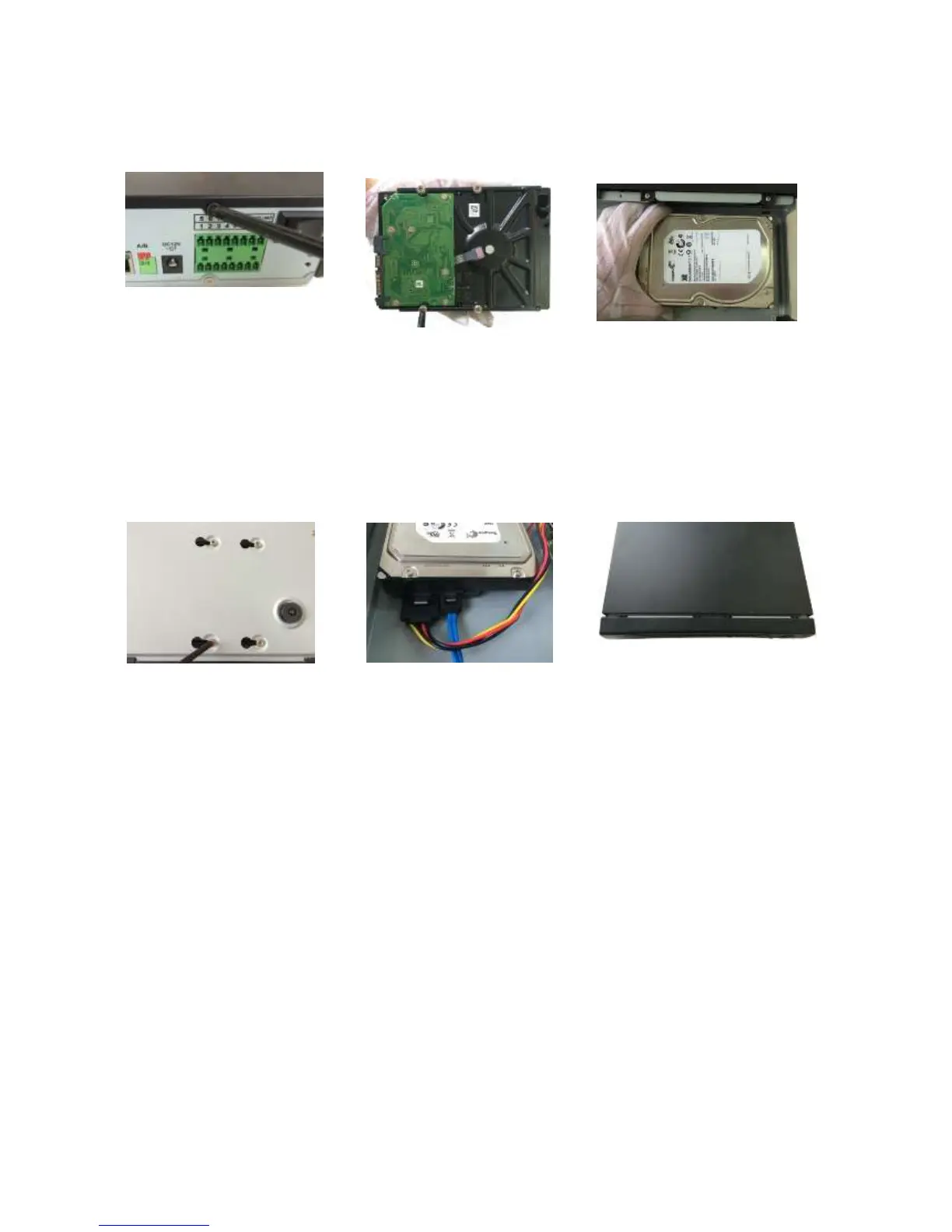
You can connect the HDD data cable and the power cable first and then fix the HDD
in the device.
Please pay attention to the front cover. It adopts the vertical sliding design. You need
to push the clip first and then put down.
① Loosen the screws of the upper
cover and side panel.
Remove cover
② Fix four screws in the HDD
(Turn just three rounds).
③Place the HDD in accordance
with the four holes in the bottom.
④Turn the device upside down and
then turn the screws in firmly.
⑤Connect the HDD cable and
power cable. .
⑥Put the cover in accordance
with the clip and then place the
upper cover back. Secure the
screws in the rear panel and the
side panel.



 To Next Page