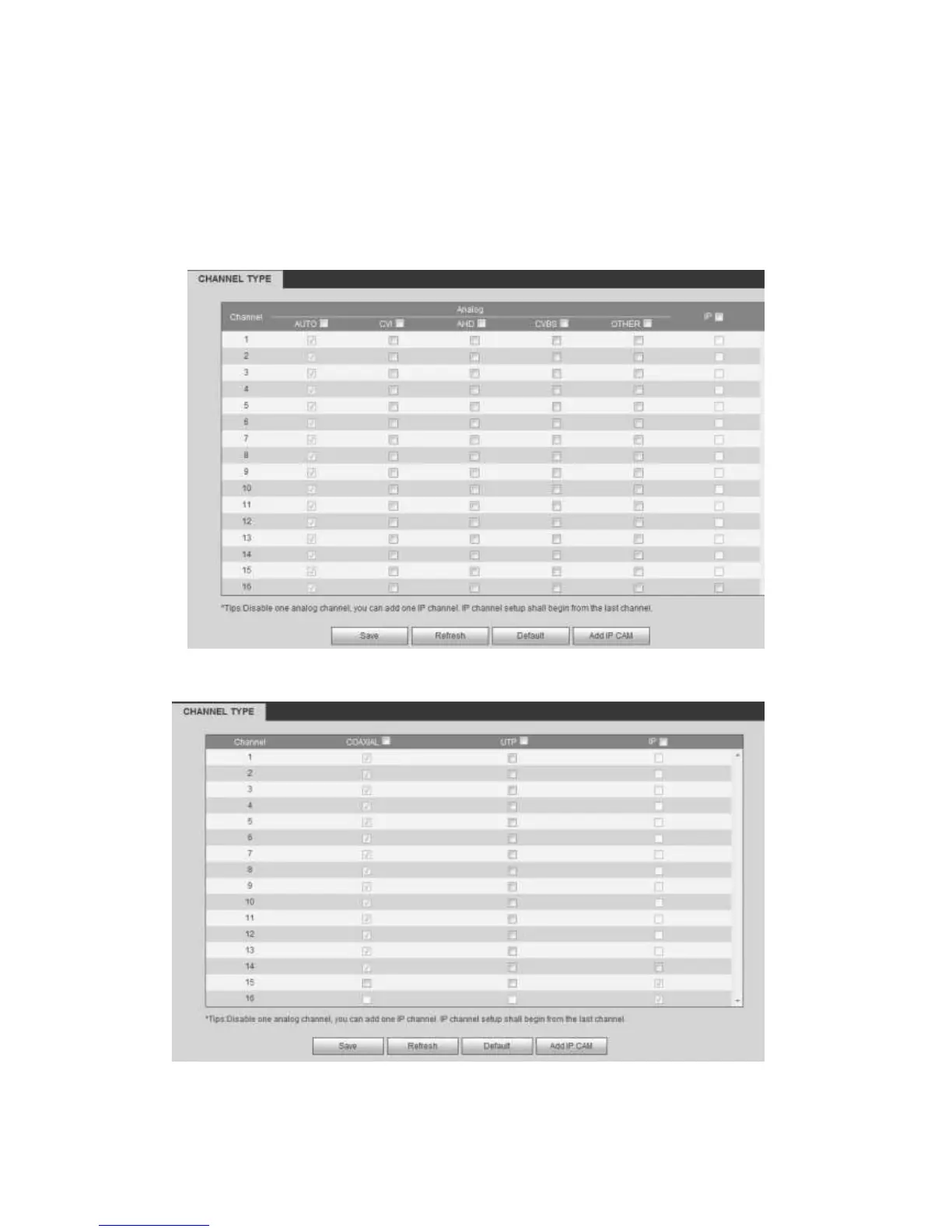
matter what analog signal (CVBS, CVI, AHD or other analog HD signal) connected;
the XVR can automatically recognize the signal and display the proper image. There
is no need to set manually.
If the auto recognition error occurred, XVR series product supports manual setup too.
The manual setup featuring high recognition speed and usually there is no error. For
example, you can set channel 1 to connect to CVI camera, channel 2 to connect to
AHD camera, channel 3 to connect to CVBS camera.
Figure 5-38
Figure 5-39



 To Next Page