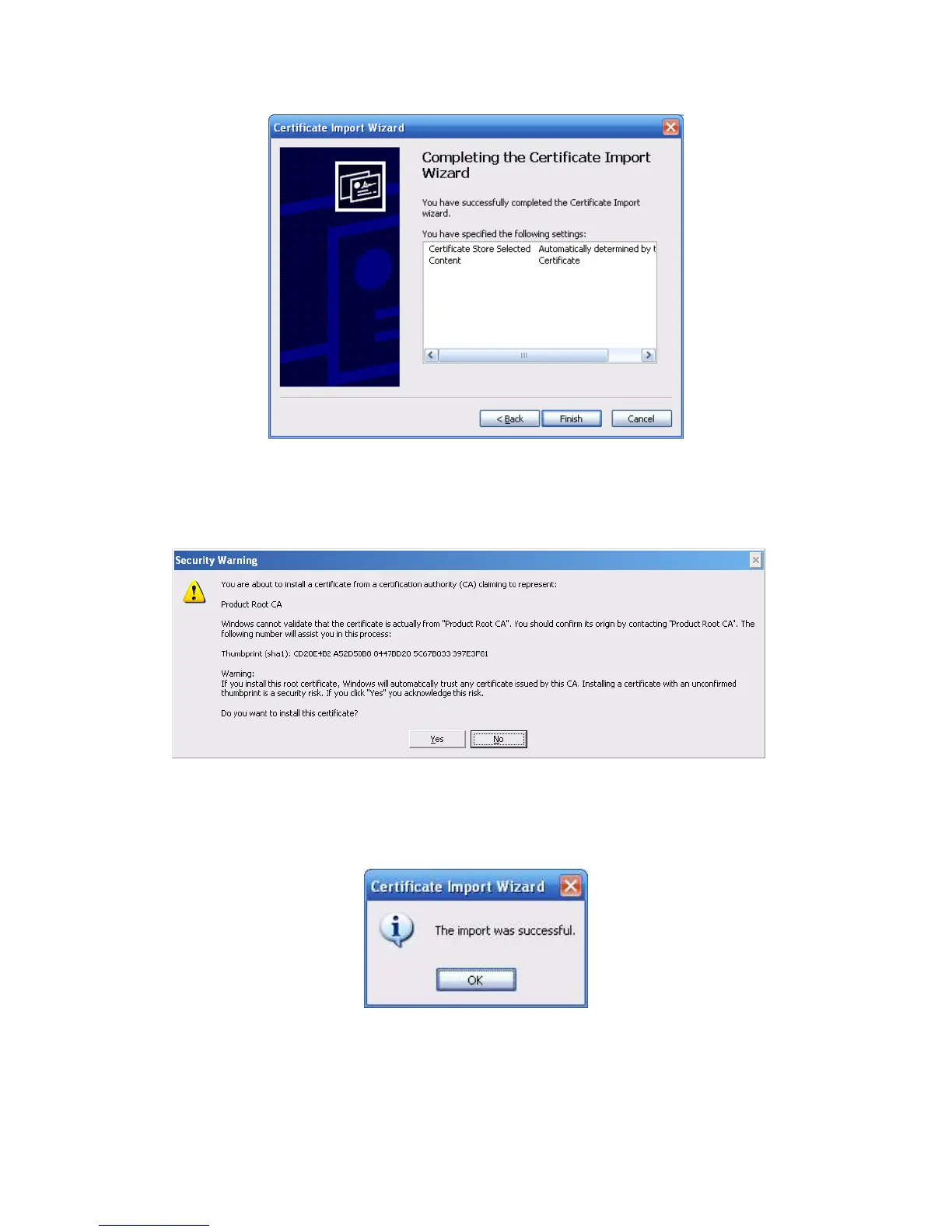
Figure 5-50
Click Finish button, you can see system pops up a security warning dialogue box. See
Figure 5-51.
Figure 5-51
Click Yes button, system pops up the following dialogue box, you can see the certificate
download is complete. See Figure 5-52.
Figure 5-52
5.10.2.3.3 View and set HTTPS port
From Setup->Network->Connection, you can see the following interface. See Figure 5-53.



 To Next Page