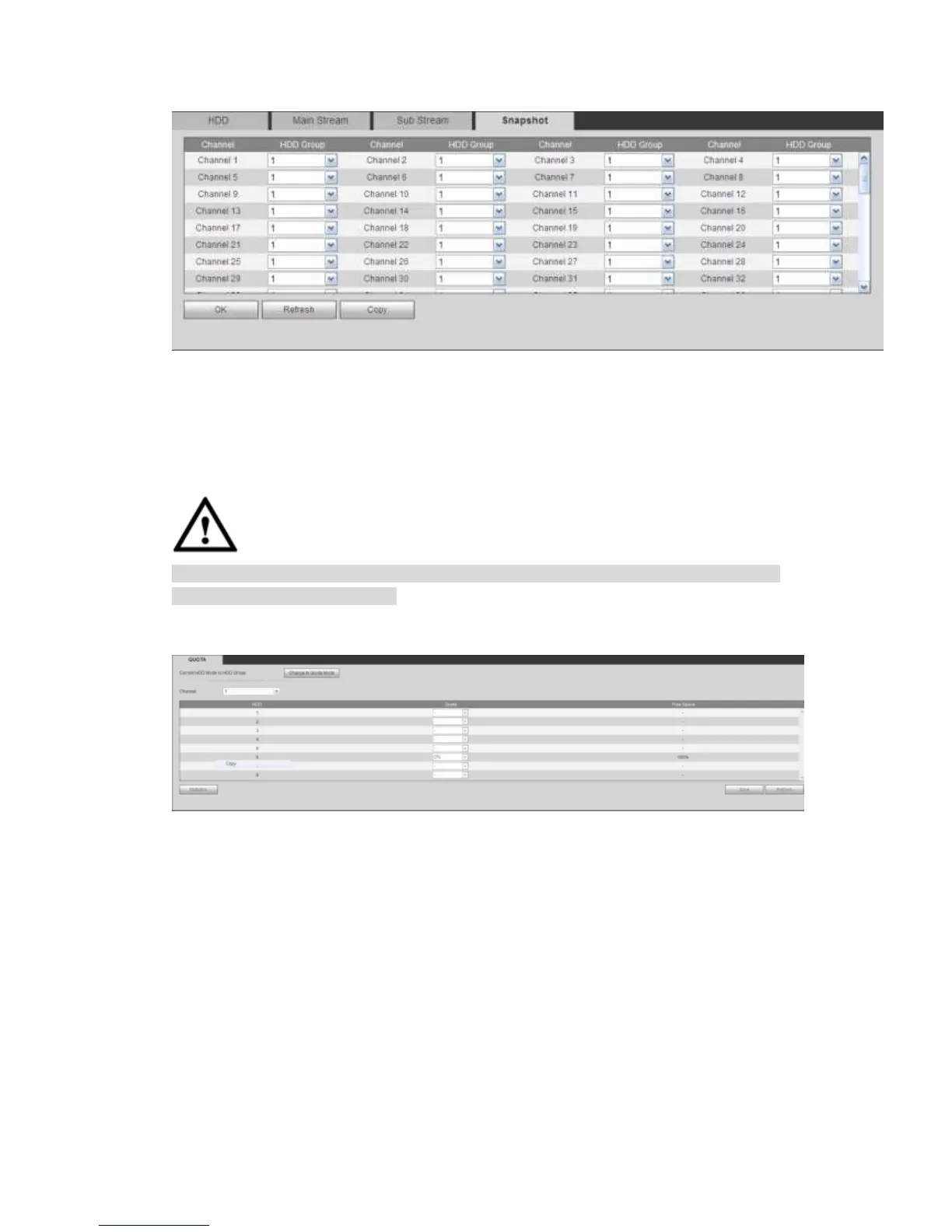
Figure 5-111
Step 4 Click Save to complete the setup.
5.10.4.7 Quota
It is to set channel storage capacity.
CAUTION
HDD group and quota mode cannot be valid at the same time. System needs to restart
once you change the mode here.
Step 1 From main menu->Setup->Storage->Quota.
Enter quota interface. See Figure 5-112.
Figure 5-112
Step 2 Select a channel from the dropdown list and then select corresponding HDD
quota.
Step 3 Click Apply or Save to complete setup.
Step 4 Click Statistics to view HDD capacity you set for each channel.
5.10.5 Setting
5.10.5.1 General
The general interface includes general, date/time and holiday setup.
5.10.5.1.1 General
The general interface is shown as in Figure 5-113.



 To Next Page