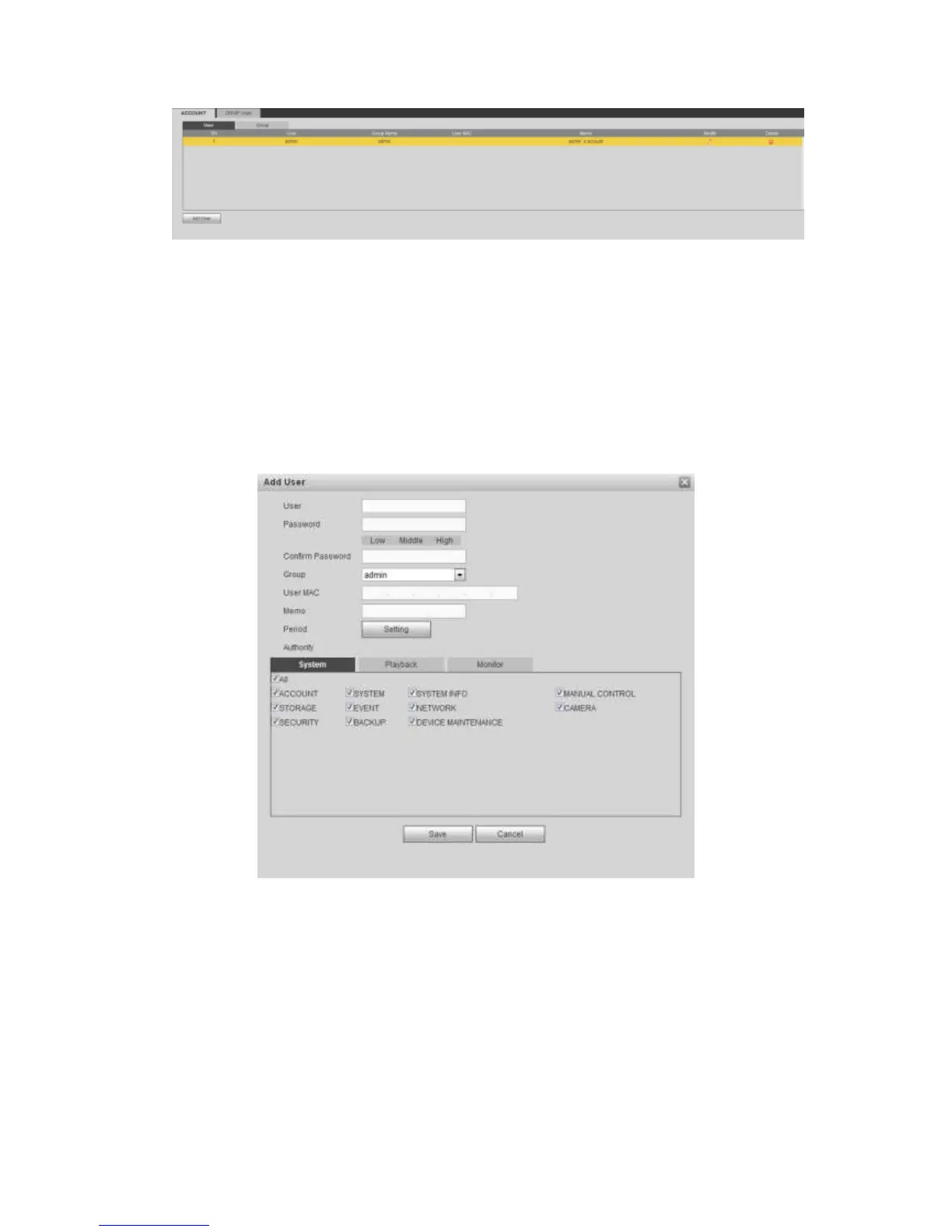
Figure 5-133
Add user
It is to add a name to group and set the user rights.
Step 1 Click Add user button.
Enter add user interface. See Figure 5-134.
Step 2 Here you can input the user name and password and then select one group for
current user.
Figure 5-134
Step 3 Click the Set button after the period. It is to set valid period to use current
account. See Figure 4-114.



 To Next Page