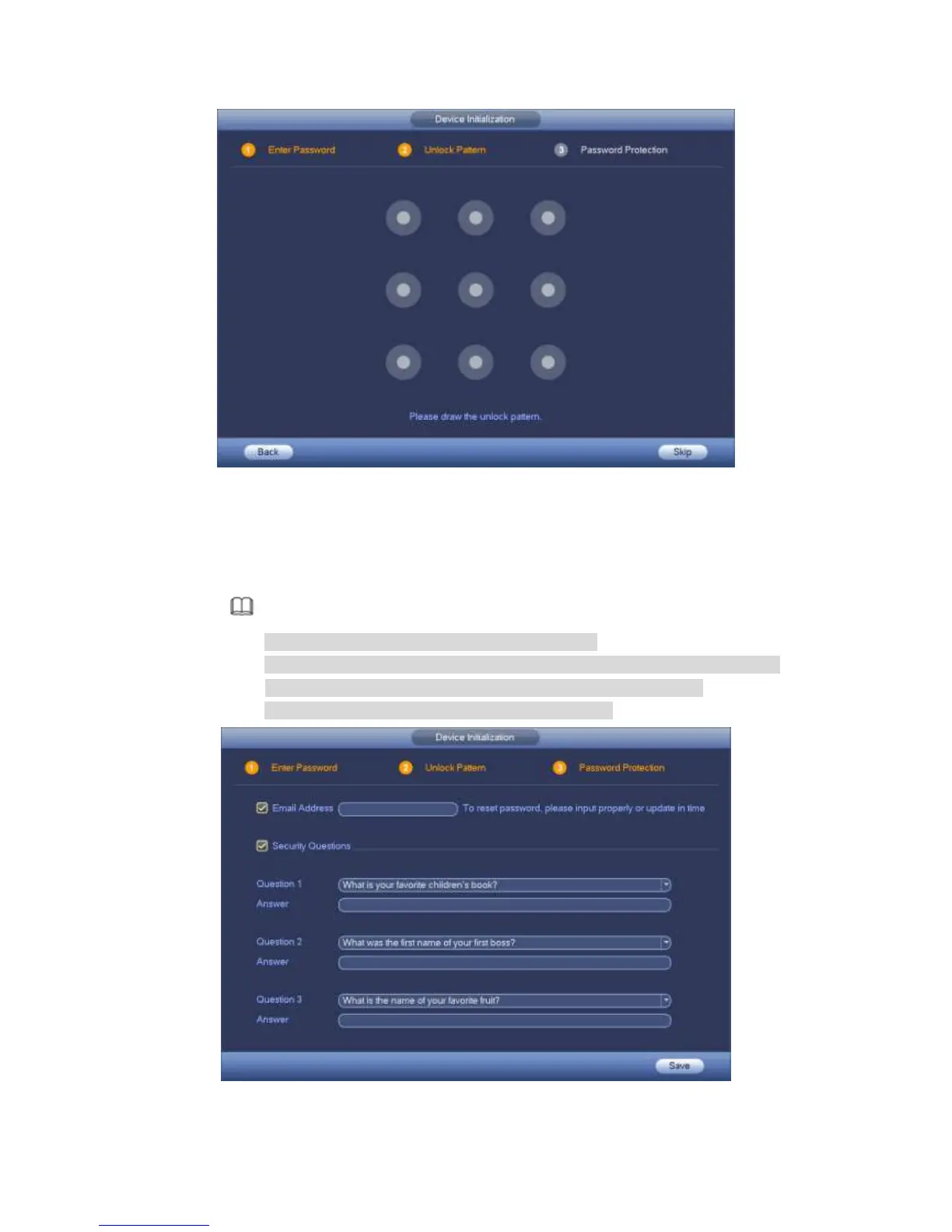
Figure 4-2
Step 4 Set unlock pattern.
After set unlock pattern, device goes to password protection interface. See
Figure 4-3.
Note
The unlock pattern shall at least contain 4 grids.
Device adopts unlock pattern to login by default if you have set pattern here.
If there is no unlock pattern, please input the password to login.
Click Skip if there is no need to set unlock pattern.
Figure 4-3



 To Next Page