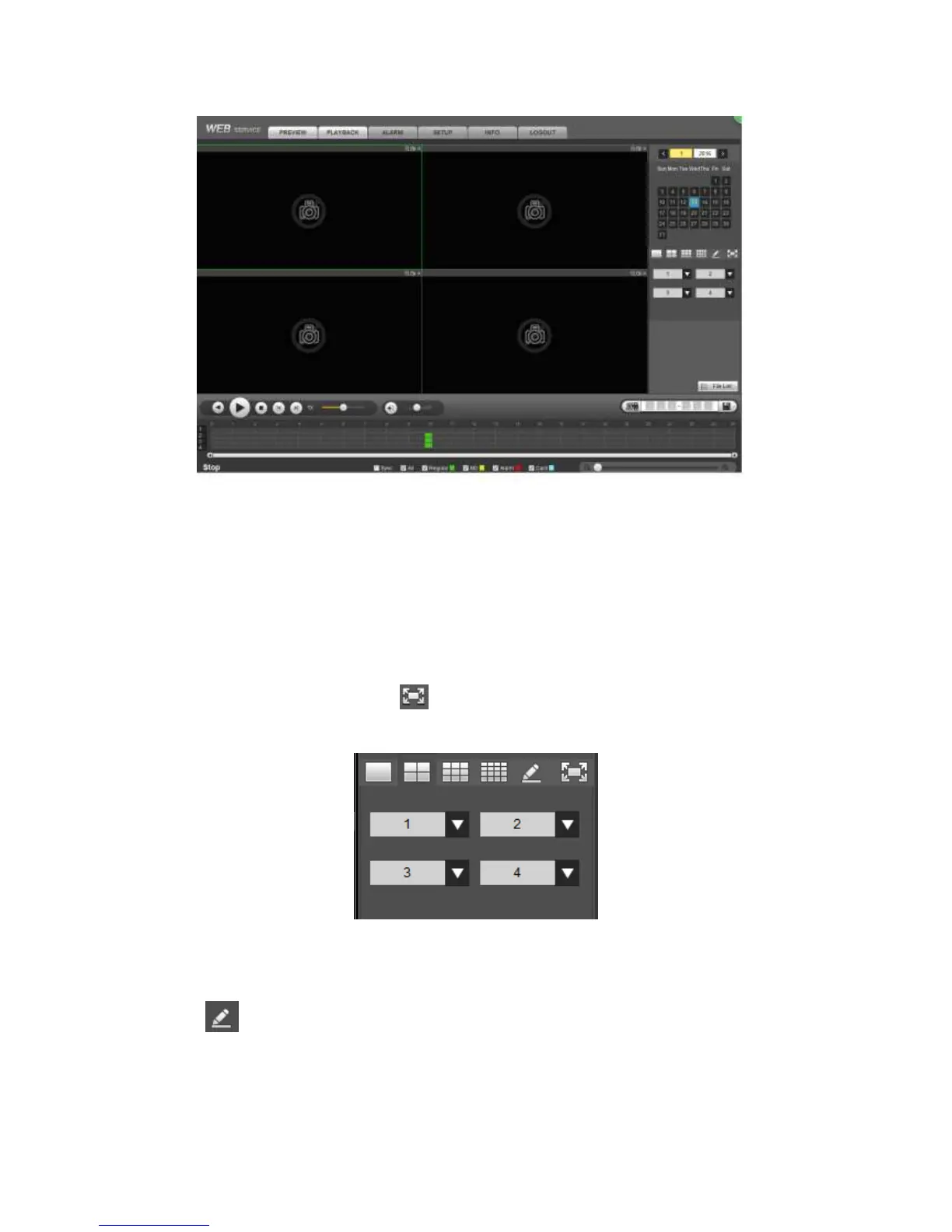
Figure 5-153
5.12.1 Search Record
Please set record type, record date, window display mode and channel name.
Select Date
You can click the date on the right pane to select the date. The green highlighted date is
system current date and the blue highlighted date means it has record files.
Window Split
Select window split mode. Click to display in full screen. Click ESC button to exit.
See Figure 5-154.
Figure 5-154
Customized playback
Click , you can see the following interface. See Figure 5-155.



 To Next Page