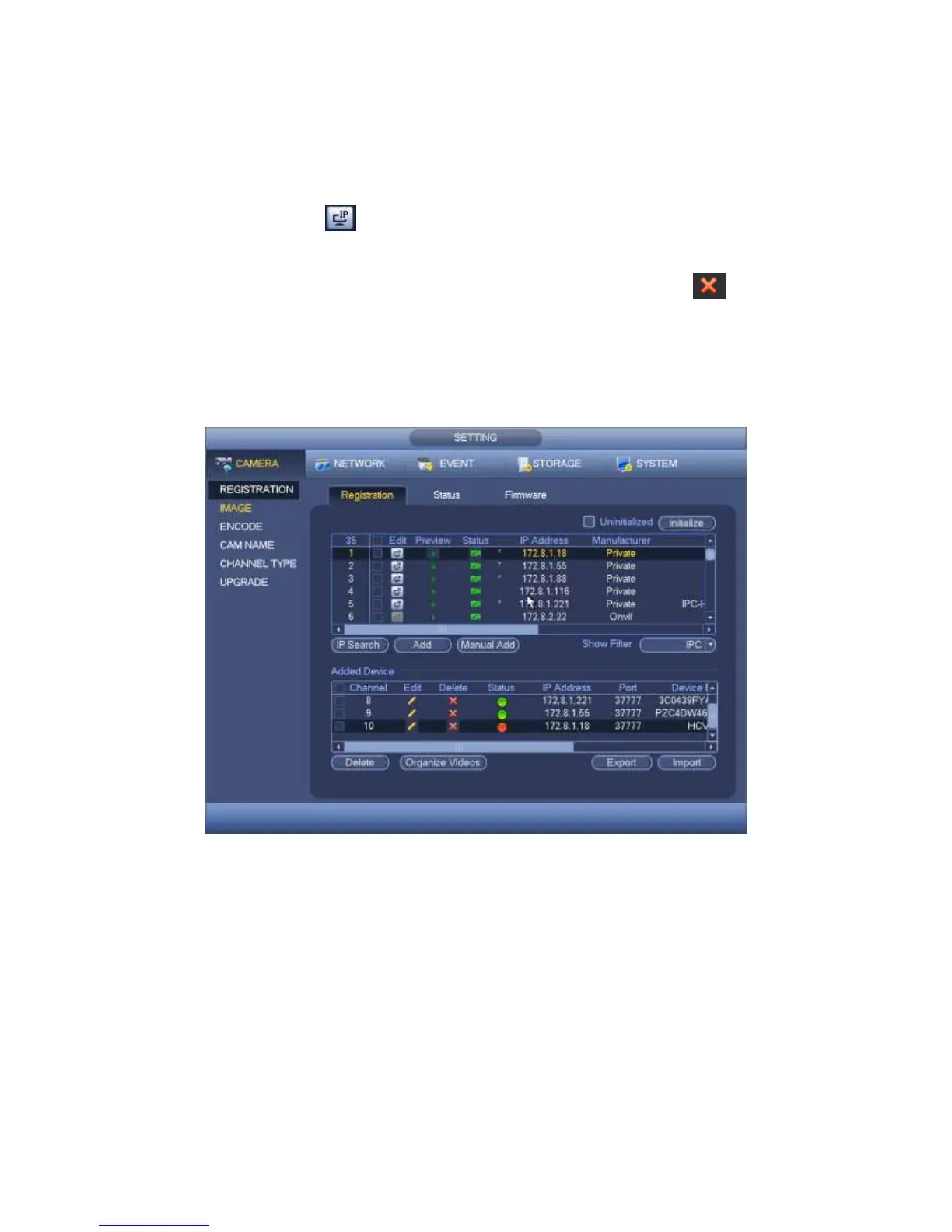
already added to the device, you can see there is a small icon “*” after the SN in case
there is repeatedly add operation.
Add: Click it to connect to the selected device and add it to the Added device list.
Support Batch add.
Edit: Click button or double click a device in the list, you can change channel
setup.
Delete: Please select one device in the Added device list and then click to
remove.
Export: Export the added device list to the USB device. Refer to chapter 4.1.4.4.6
Export for detailed information.
Import: Click to add several devices at the same time. Refer to chapter 4.1.4.4.7
Import for detailed information.
Figure 4-21
4.1.4.4.1 Initialize Camera
The initialize function in registration interface is to change connected camera login
password and IP address.
Steps:
Step 1 From main menu->Setting->Camera->Registration.
Enter Registration interface. See Figure 2-34.
Step 2 Click IP search and check the Uninitialized box.
Device displays uninitialized camera.



 To Next Page