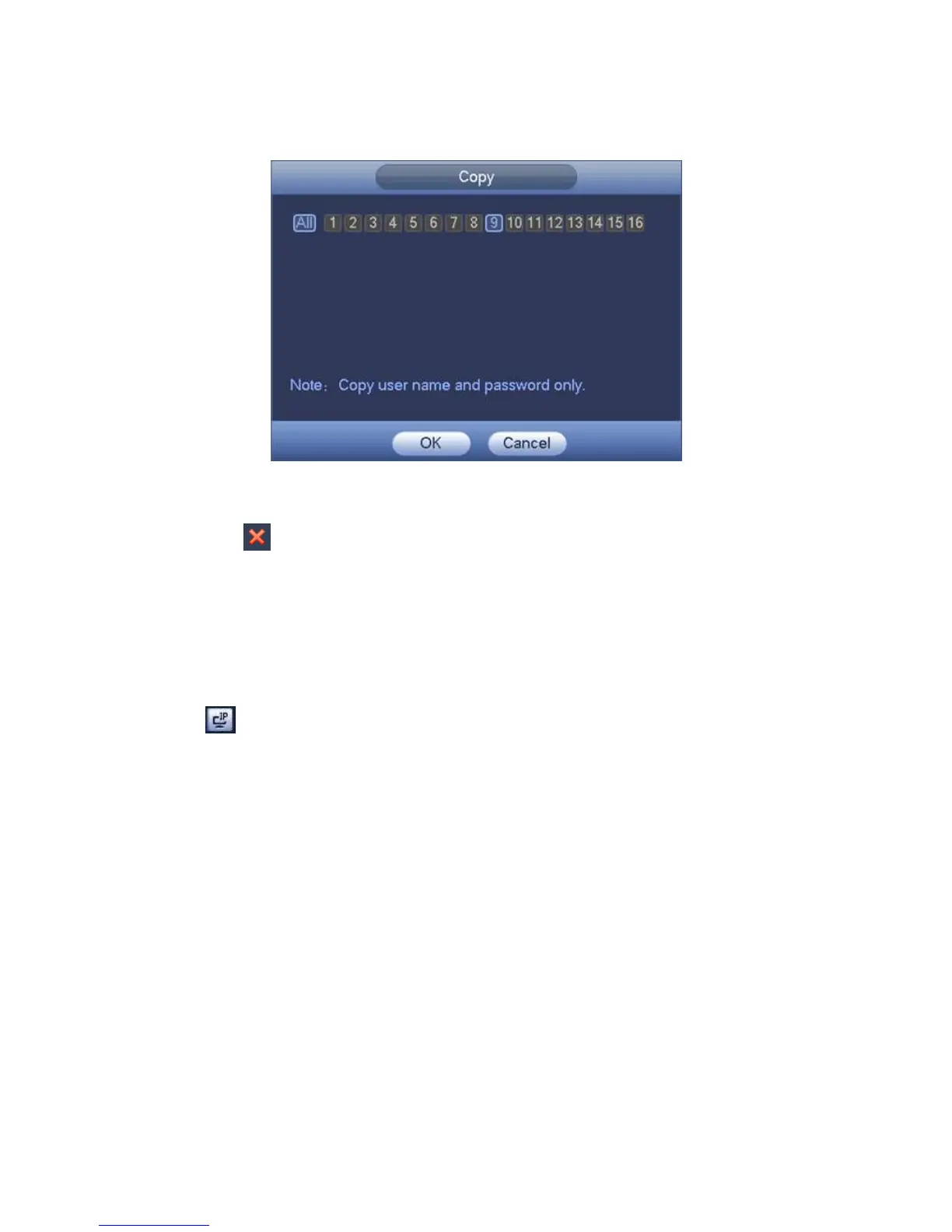
◇ Click Copy, device pops up the following dialogue box. It is to copy the user name and
password to the selected channel(s). See Figure 4-30.
Figure 4-30
Click to disocnnected the camera and remove it from the added list.
Select one or several device(s) in the added list, click Delete button to delete. Check
the box before the channel number to select all channels at the same time.
4.1.4.4.5 Change IP
It is to change camera IP address. Support change one by one or batch add.
Change One by One
Click , you can change the information such as IP address, subnet mask, and default
gateway, user name, password of the checked device. See Figure 4-31. Click Add button
and then click OK, you can add current device to the list,



 To Next Page