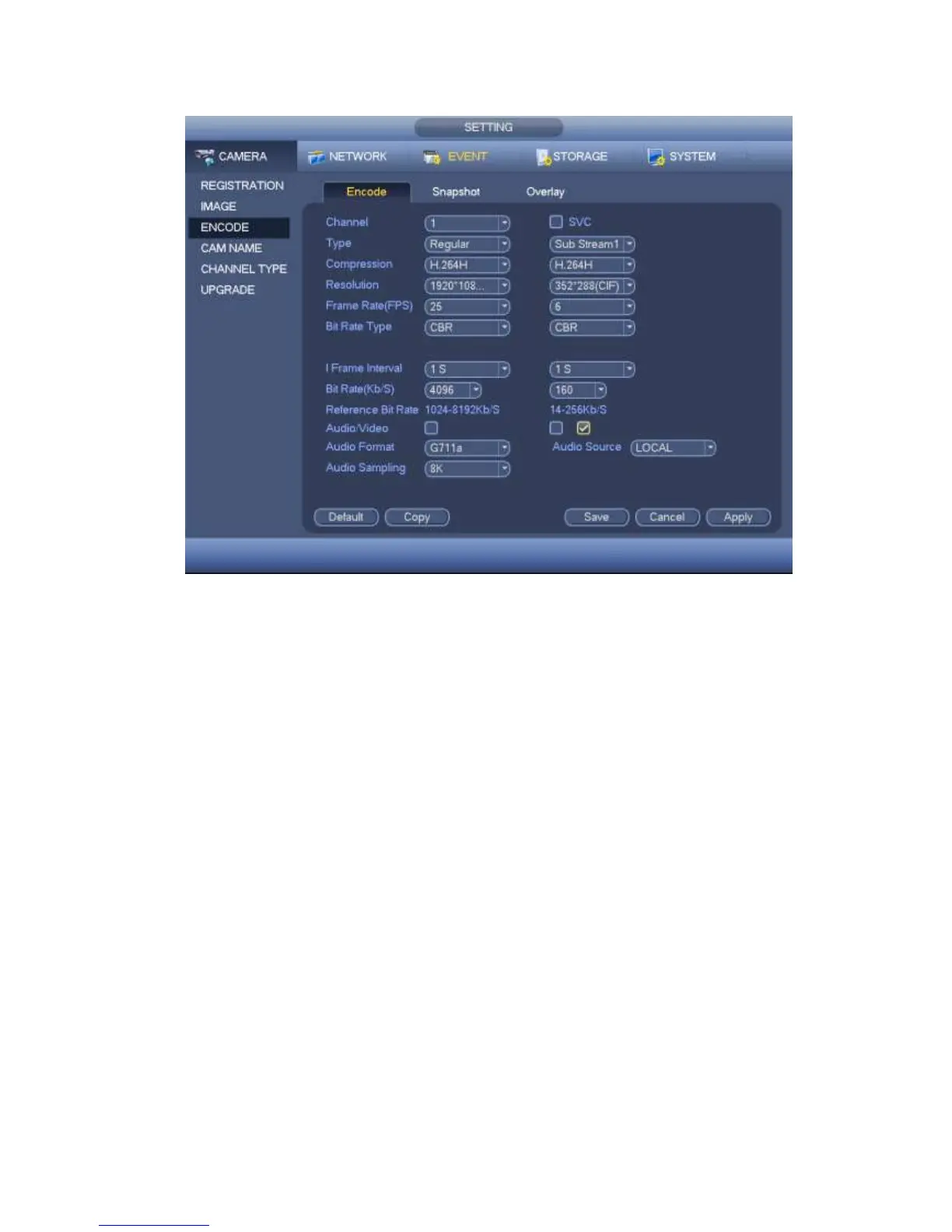
Figure 4-35
4.1.4.5.2 Snapshot
It is set snapshot mode for each channel, and picture size, quality and frequency.
Step 1 Click Snapshot tab, enter the following interface. See Figure 4-36.
Step 2 Set parameters.
Manual snap: The manual snapshot amount. The value ranges from 1 to 5.
Snapshot mode: There are two modes: timing and trigger. If you set timing mode, you
need to set snapshot frequency. If you set trigger snapshot, you need to set snapshot
activation operation.
Image size: Here you can set snapshot picture size.
Image quality: Here you can set snapshot quality. The value ranges from 1 to 6.
Interval: It is for you to set timing (schedule) snapshot interval.



 To Next Page