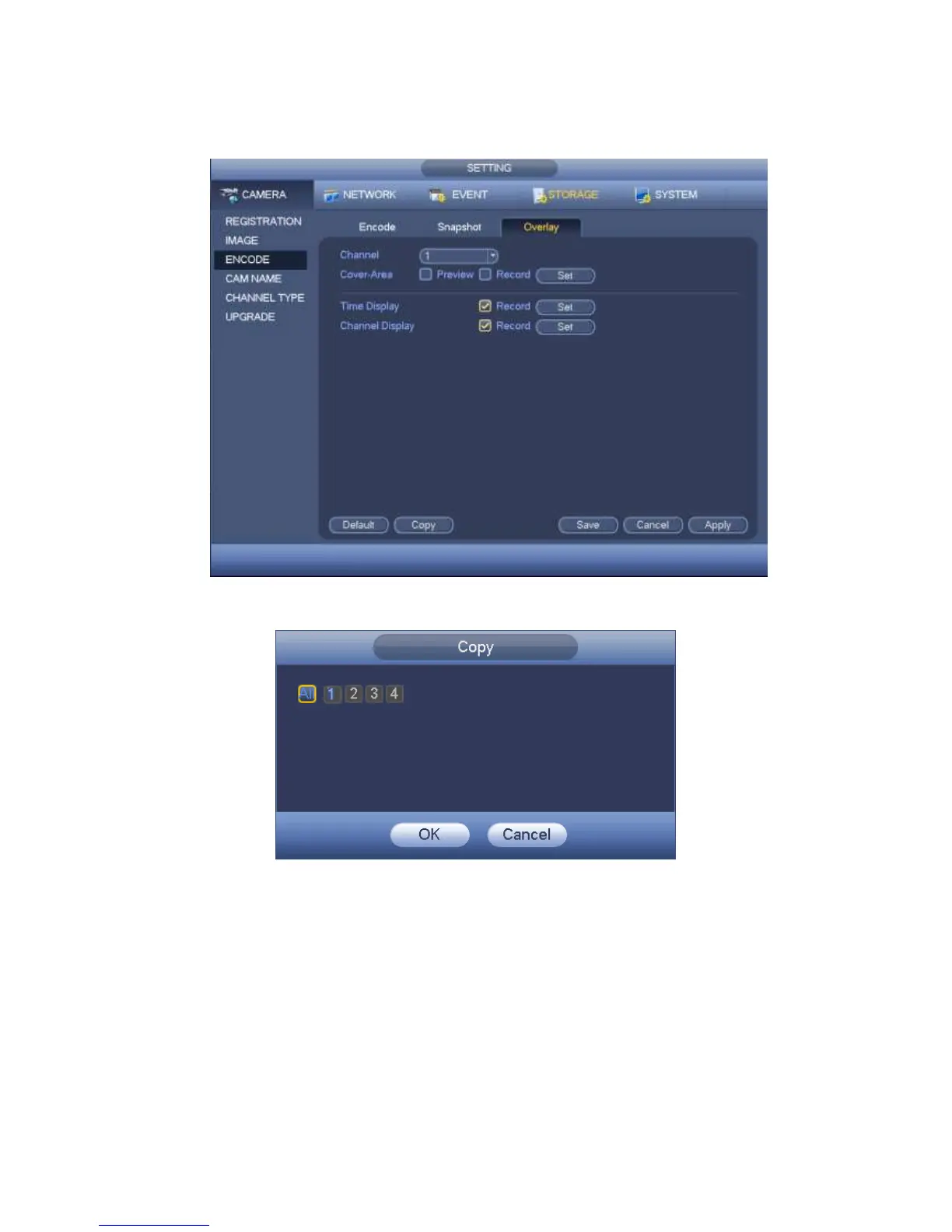
can check the box ALL. Please click the OK button in Figure 4-38 and Figure 4-37
respectively to complete the setup.
Figure 4-37
Figure 4-38
Step 3 Click Apply or Save to complete setup.
4.1.4.6 Basic
It is to manage HDD storage space.
Besides startup wizard and configuration wizard, from main
menu->Setting->Storage->Basic, you can also go to the following interface.
Step 1 From main menu->Setting->Storage->Basic.
Enter Basic interface, See Figure 4-39.
Step 2 Set parameters.



 To Next Page