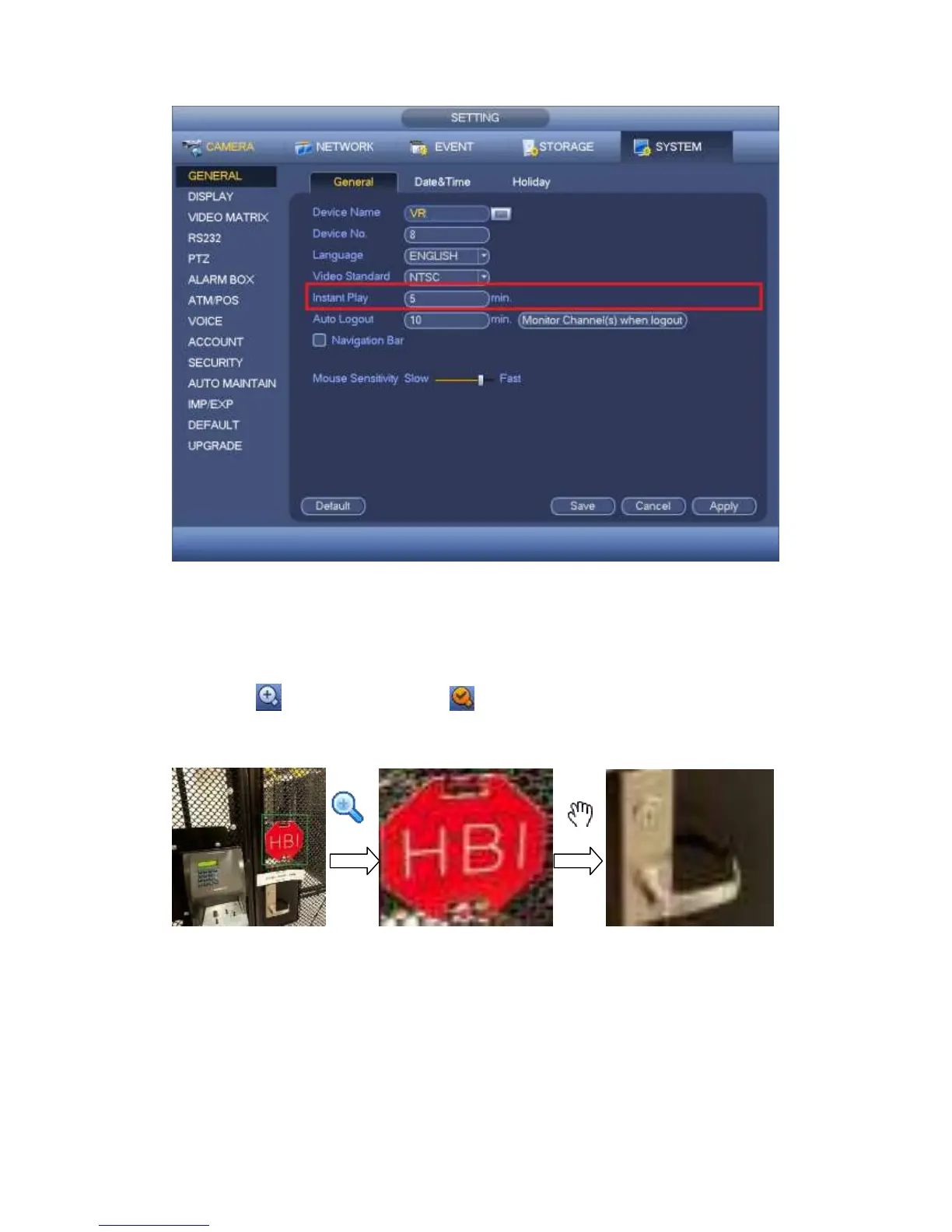
Figure 4-49
2) Digital zoom
It is to zoom in specified zone of current channel. It supports zoom in function of
multiple-channel.
Click button , the button is shown as .
There are two ways for you to zoom in.
Drag the mouse to select a zone, you can view an interface show as Figure 4-50.
Figure 4-50
Put the middle button at the center of the zone you want to zoom in, and move the
mouse, you can view an interface shown as in Figure 4-51.



 To Next Page