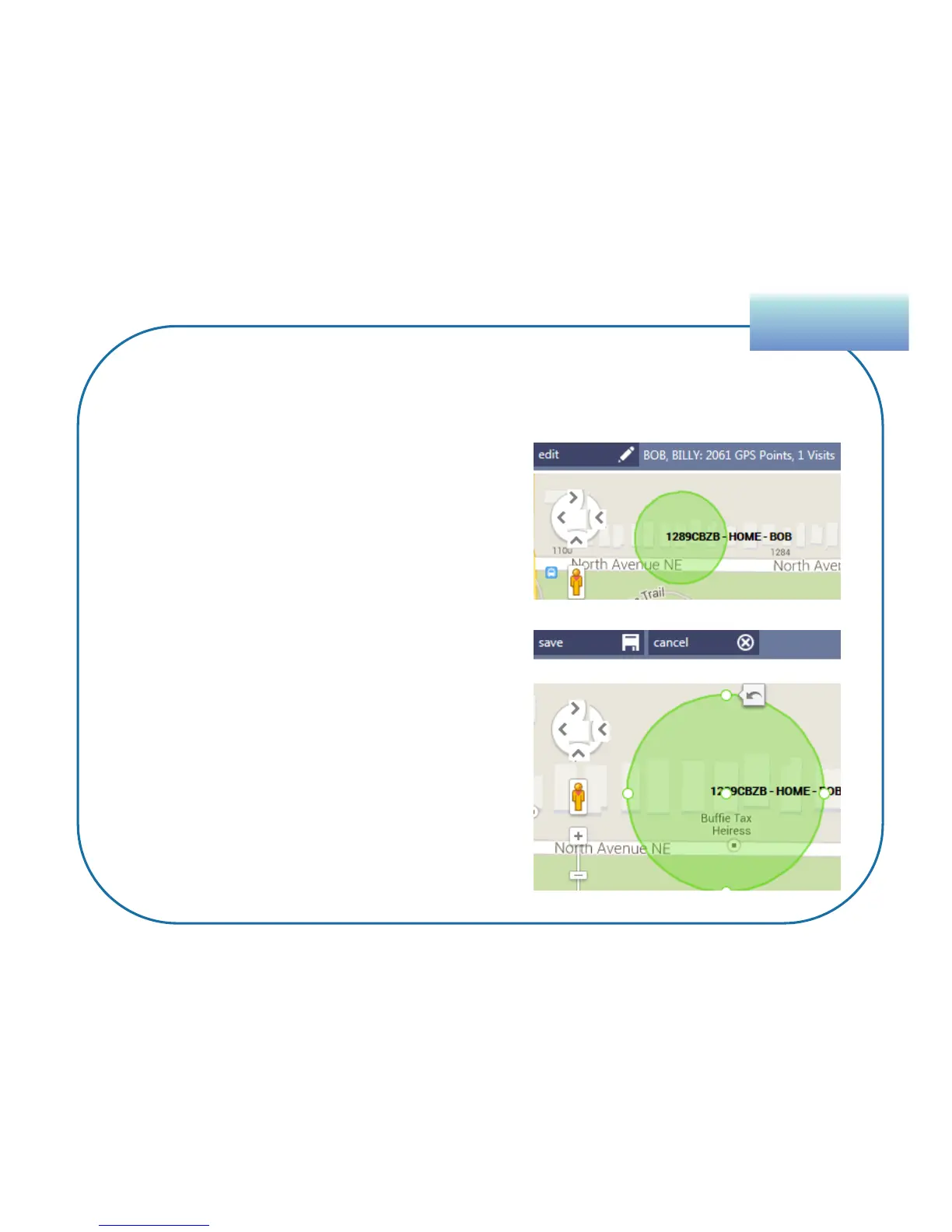
1. Select the zone.
2. Click the Edit button that appears in
the top-left corner of the Map.
3. To change the size – drag an outer
point in or out. (A reset arrow button
appears to return it to its original
size, if needed.)
4. To change its location – drag the
inner point.
5. Click Save.
SupervisionSupervision
59
Features of the Map Tab
Changing a Zone


 To Next Page