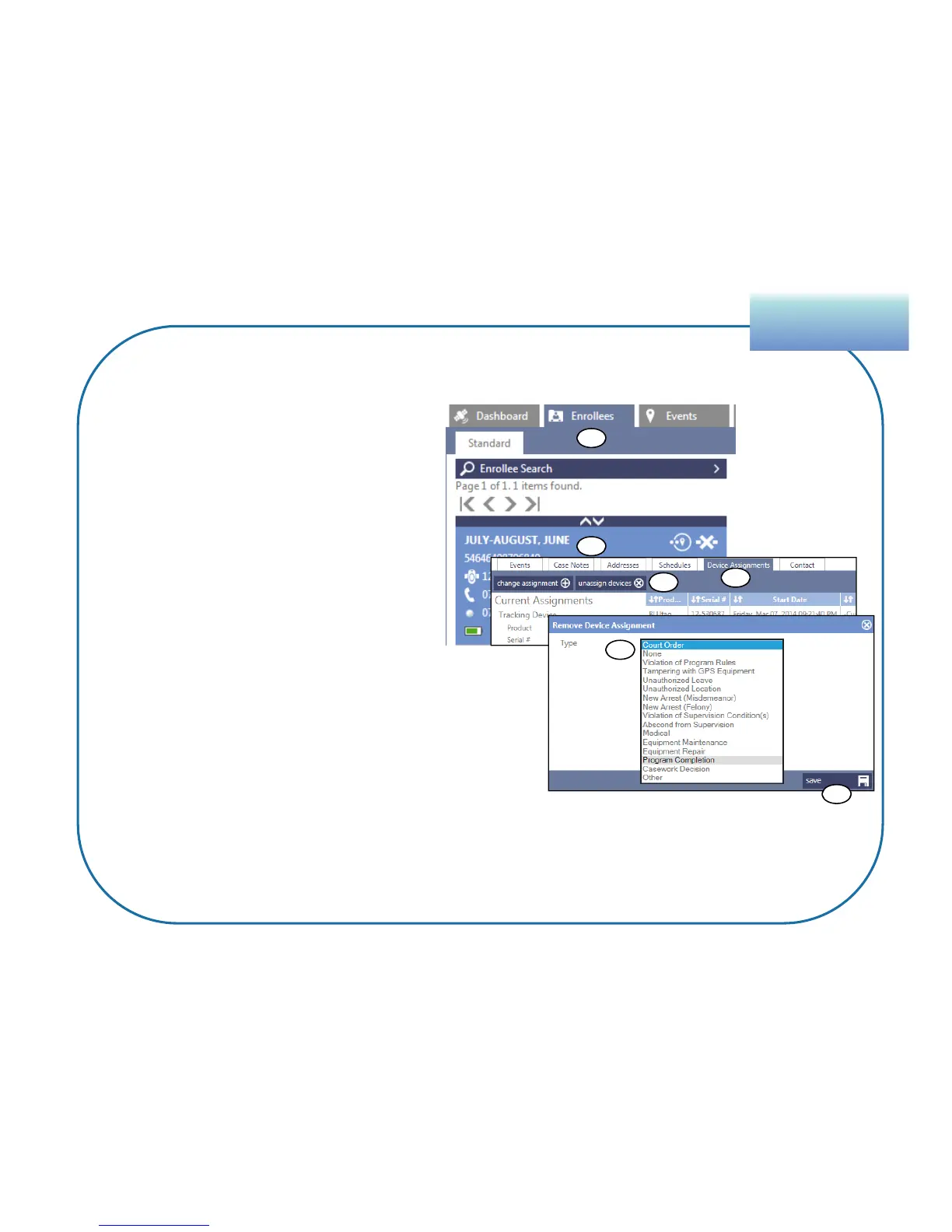
1. Click the Enrollees tile.
2. Select the enrollee’s profile.
3. Click the Device Assignments
tab.
4. Click Unassign Devices.
5. In the Type list, click the arrow
to view and choose the
appropriate reason for
unassigning the device.
6. Click Save. BluTag will now
shut off.
UnassignmentUnassignment
81
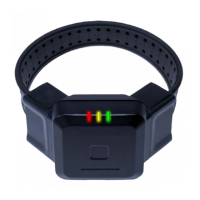
Unassign BluTag
Unassign BluTag prior to cutting the strap to avoid causing a false tamper event.
1
2
3
4
5
6


 To Next Page