:Move
MENU
:Return
:Press to Enter
ENTER
0%
Now Searching... Please Wait
Return
Analog Channels Found: 0
Digital Channels Found: 0
:Move
MENU
:Return
:Press to Enter
ENTER
:Move
MENU
:Return
:Press to Enter
ENTER
:Page
:Select
:Press to Enter
ENTER
:Move
MENU
:Return
:Press to Enter
ENTER
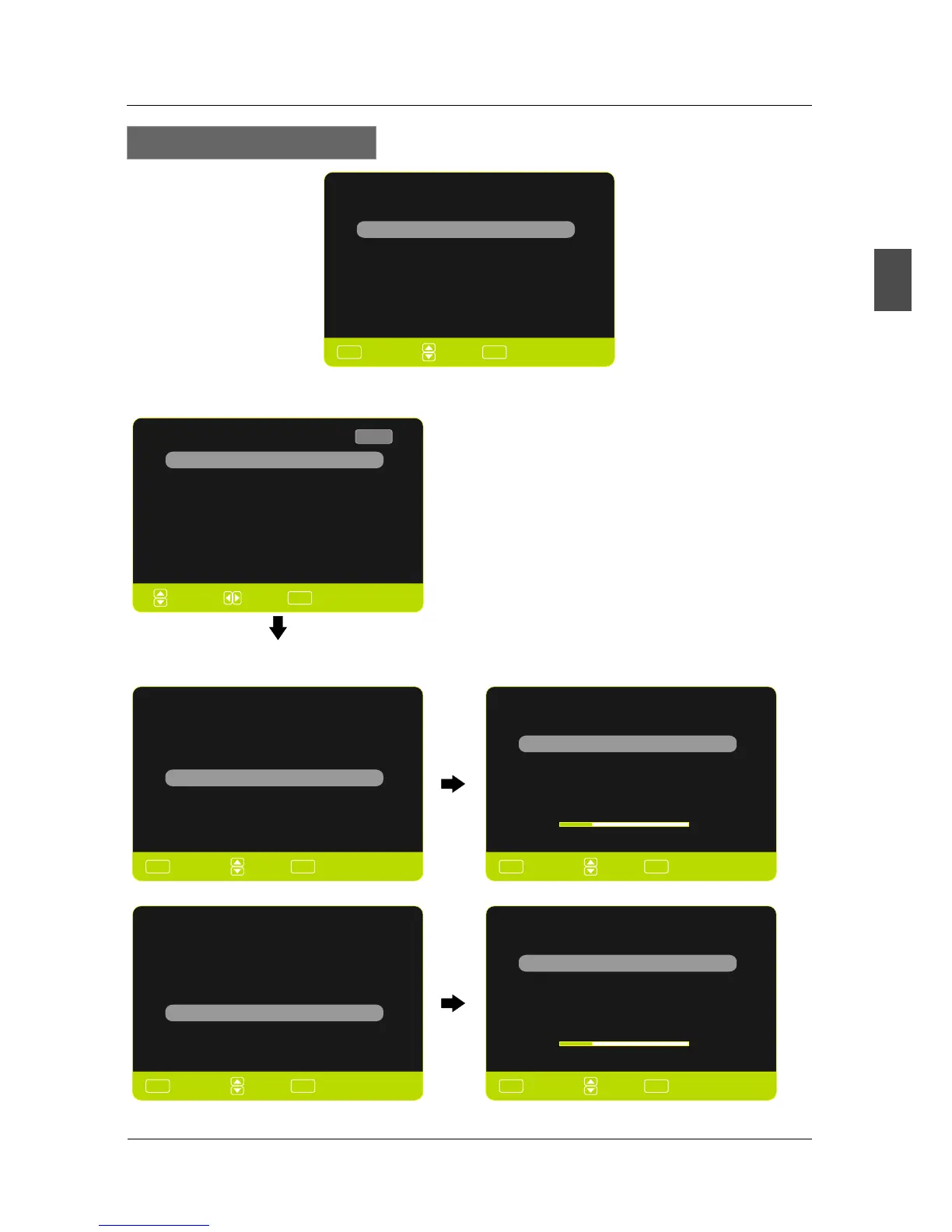
Select your Connection devices...
Back
SOURCE LIST
AV
TV
YPbPr
Page 1/2
HDMI2
HDMI3
PC
Select the .Game, Blu-Ray, DVD, or other player
Select the TV (or the Antenna or coaxial cable input).
Scanning Channel Program
Use the Up or Down key arrows on your remote control or TV
keypad to select the channel scan type.
Cable
Antenna
Back
0%
AUTO CHANNEL SEARCH - Air
Now Searching... Please Wait
Return
Analog Channels Found: 0
Digital Channels Found: 0
Select Input Source
English
MENU OPERATION
15
Antenna or coaxial cable input
Connect to Game, Blu-Ray,DVD, or other player
HDMI1
:Move
MENU
:Return
:Press to Enter
ENTER
Scanning Channel Program
Use the Up or Down key arrows on your remote control or TV
keypad to select the channel scan type.
Cable
Antenna
Back
AUTO CHANNEL SEARCH - Cable
25%
0%
25%


 To Next Page