33
Auto Adjust
Horizontal Position
Vertical Position
Clock
Phase
Reset
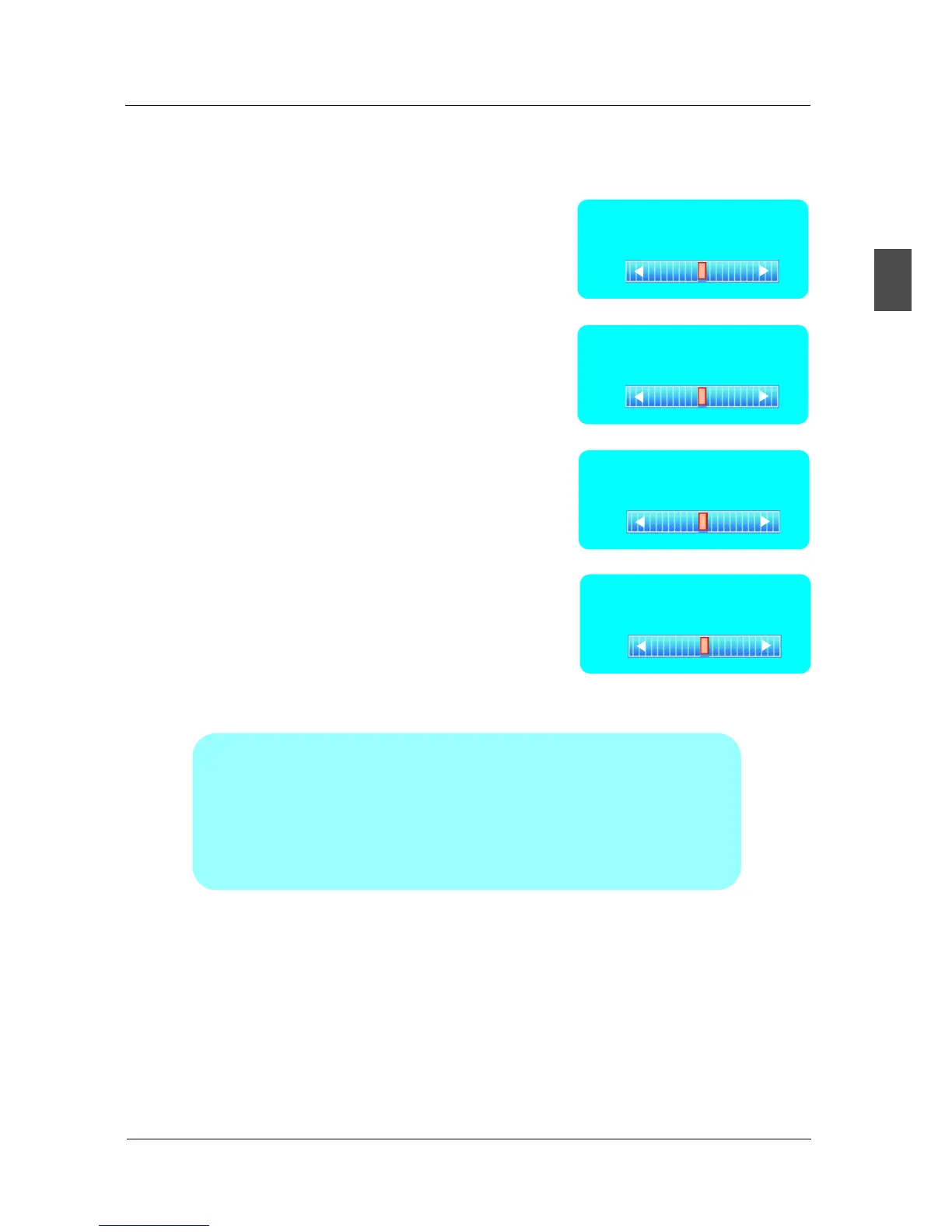
Horizontal Position
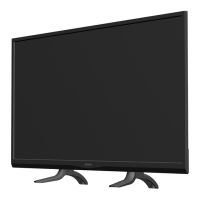
Vertical Position
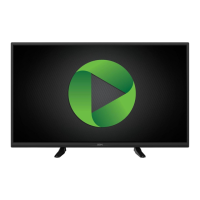
Clock
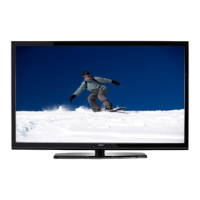
Phase
Press ▼/▲ button to select Auto Adjust, then press OK button to start auto adjusting.
Press ▼/▲ button to select Horizontal Position,
then press ◄/► button to adjust.
Press ▼/▲ button to select Vertical Position,
then press ◄/► button toadjust.
Press ▼/▲ button to select Clock, then press
◄/► button to adjust.
Press ▼/▲ button to select Phase, then press
◄/► button to adjust.
Press ▼/▲ button to select Reset, then press
OK button to reset the options above.
1.SOUND menu and description are the same as that for TV.
but the settings for Analog Sound and Digital Sound are invalid in PC source.
2.PARENTAL menu and descriptions are the same as that for TV source.
3.SETUP menu and description are the same as that for TV source.
But the setting for Closed Caption is invalid in PC source.
4.OTHER menu and description are the same as that for TV source.
5.CHANNEL menu and description are invalid in PC source.
Note: The operation and description of the hot key is programmable on your
remote control.
English
MENU OPERATION
0
0
0
32


 To Next Page