27
English
MENU OPERATION
MENU
:Return
:Move
MENU
ENTER
:Return
:Move :Go to Next Menu
SETUP
Closed Caption
Menu Language English
CLOCK
Setup Menu
Press ▼/▲ button to select the item Closed Caption, then press ◄/► button to adjust.
CLOSED CAPTION
Caption Display
Analog Caption Type
Digital Caption Type
Digital CC Preset
Digital CC Style
Off
CC1
Service1
Custom
Closed Caption
OSD Timer 5s
ENTER
:On/Off
MENU
:Return
:Move
ENTER
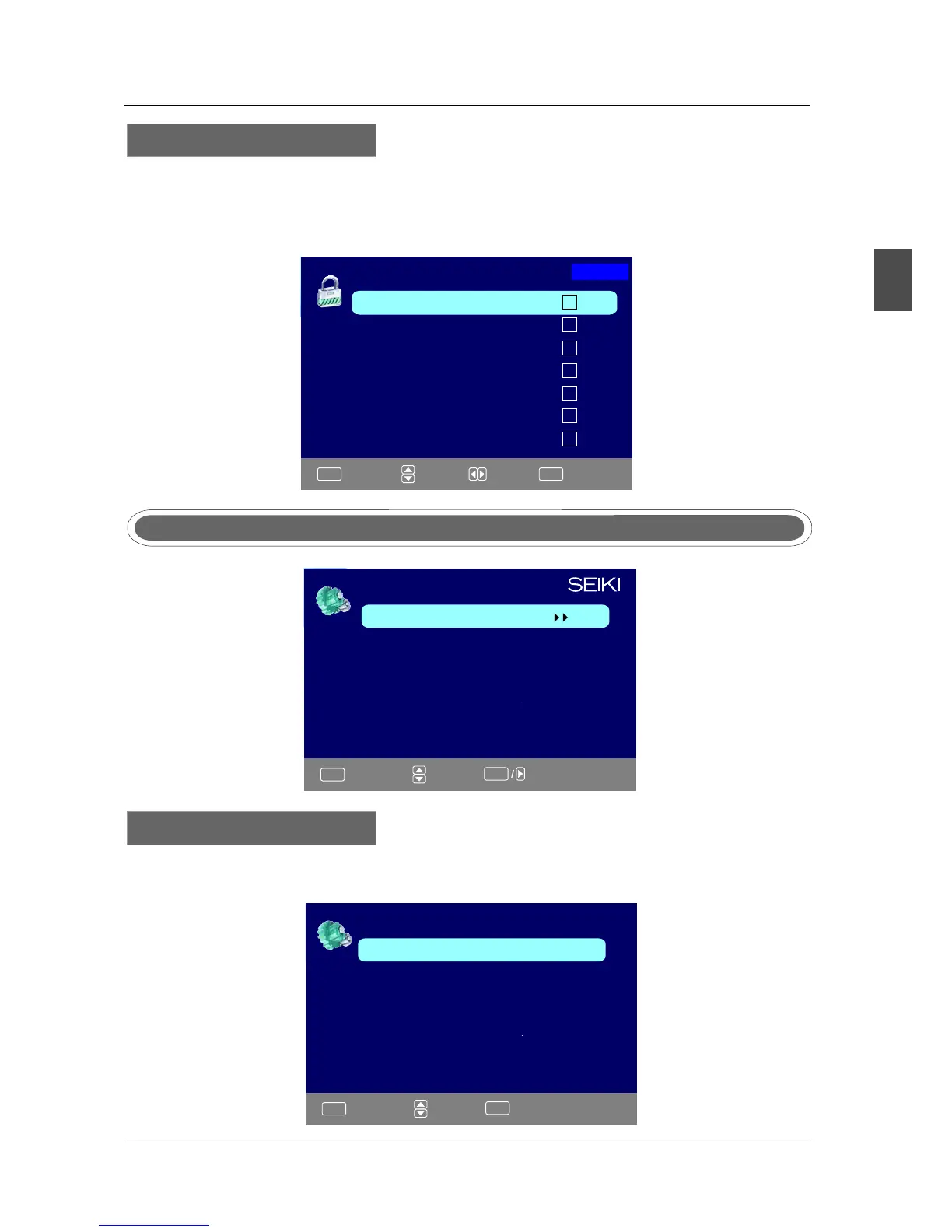
Source Lock
Page1/2
TV
AV
YPbPr
HDMI2
HDMI3
:Page
:On/Off
Press ▼/▲ button to select Source Lock, then press OK button to enter the sub menu.
Press ▼/▲ button to select Source, then press OK button to set the Source Lock .
You can’t enter the locked source if you set the Source lock.
Source Lock
HDMI1
PC



 To Next Page