MENU
ENTER
:Return
:Move :Select
Page 1/1
:Page
MENU
ENTER
:Return
:Move :Select
22
English
MENU OPERATION
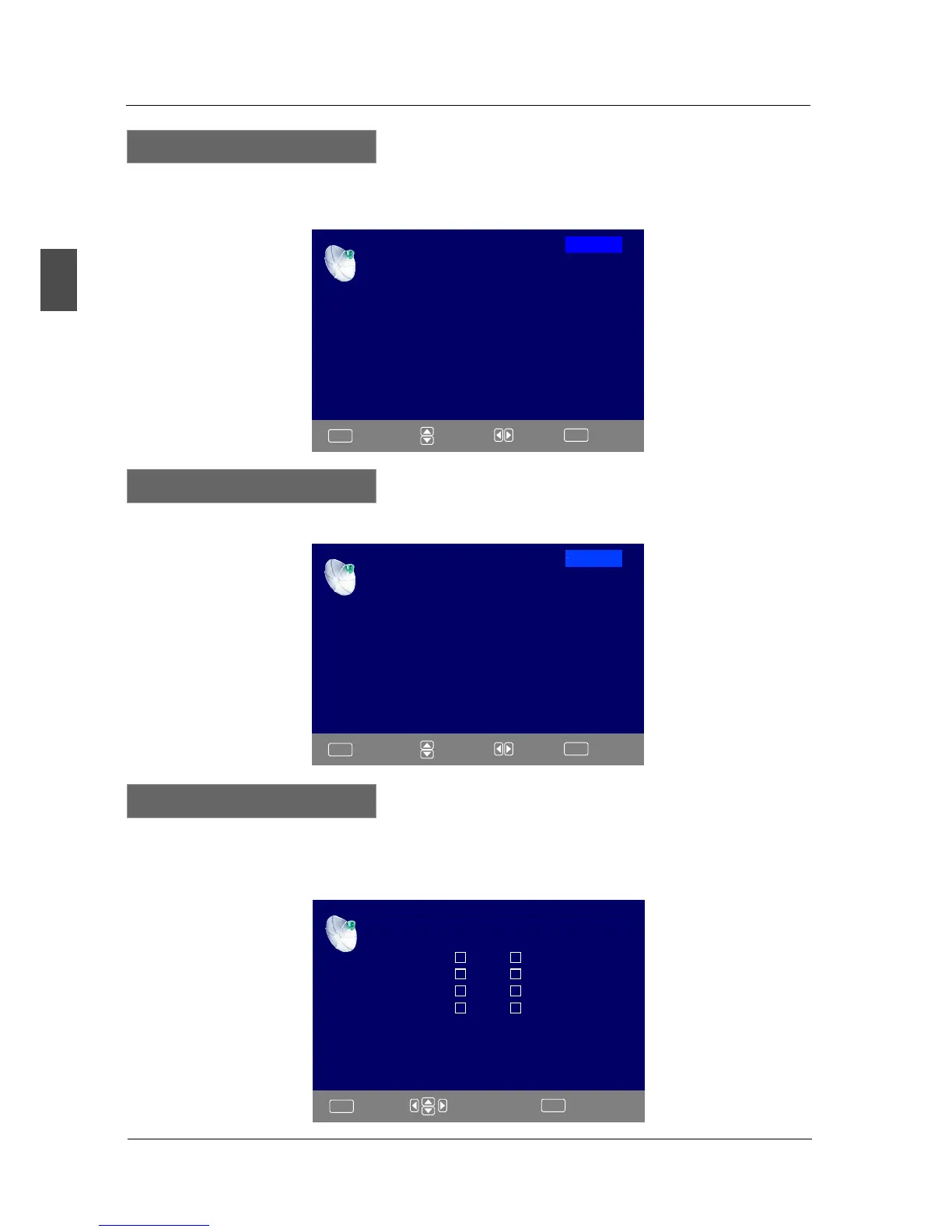
FAVORITE LIST
No Favorite Channels Present
Please Perform Favorite Channel Add First
Press ▼/▲ button to select Favorite List, then press OK button to scan the Favorite Channel List.
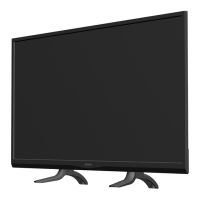
Favorite List
Channel List
A4
A11
A14
A63
Page 1/1
Press ▼/▲ button to select Channel List, then press OK button to scan the Channel List. If you
select the option “In Channel List” On, the channel label will display in the list.
Channel List
:Page
MENU
ENTER
:Return
:Cursor/Page :Select
Press ▼/▲ button to select Manual Channel Setting, then press OK button to set the value in the
sub menu.
CHANNEL SETTING
Channel Setting
A4
A11
A14
A63
Channel Skip Favorice Label



 To Next Page