89
BeforeUse
2
CheckingtheTime
※Thehandsofthiswatchcannotbemovedbyturningthecrown.
Sowhenadjustingthetime,refertothefollowingpagesregardingtheprocedures.
Whenthetimea
correct
Whentheradio
signalcanbe
received
Usethewatchwithout
adjustment.
Whenether
timeis
incorrect
Whenaradio
signalcannot
bereceived
HowtoSetthe
TimeZone
→page102
※
Whensettinga
timezonefor a
regionotherthan
Tokyo(Japan),
theradiosignal
reception
functionwillnot
work.
SettingtheTimeby
ReceivingaRadioSignal
→page126
HowtoManuallySettheTime
→page128
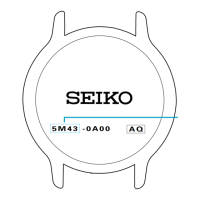
RadioSignalReceptionRangeIndication
→page92
EnvironmentsinwhichitisDifficulttoReceiveaRadioSignal
→page94
2
88
BeforeUse
BeforeUse
2
CheckingtheChargingStatus
Whenthemovementofthesecondhandshowsanenergydepletionstate,thebatteryrequirescharging.
Thesecondhand
movesatone-
secondintervals.
Thesecondhand
movesattwo-
secondintervals.
Thesecondhand
movesatfive-
secondintervals.
Thesecondhand
isstopped.
Thewatchis
sufficientlycharged.
※
Ifthesecondhanddoesnotmoveatone-secondintervalsevenafterfullychargingthebattery→ ChargingthesolarbatteryinAtTroubleonpage136
1
Thechargedenergyisdepleted.
→page10 0
Chargethebatterysufficiently.
Thepowersavefunctionisactivated.
→ page101
Checkthemovementsofthesecond
hand
afterreleasingthePowerSave
mode.
Theenergystoredinthewatchrunslow.
Chargethebatterysufficiently.
Howto
Charge
the
Battery
→page
98
87
AboutThisProduct
1
Therearetwotypesofcrown,anormalcrownandascrew-locktypecrown.
Pleasecheckthetypeofthecrownofyourwatch.
The
crown
turns.
Thecrown
doesnotturn.
(Itcannotbe
turnedany
further.)
Whilepressing
thecrown
in,turnitin
thedirection
indicatedby
thearrow.
※
Ifyourwatchhasascrew-locktypecrown,thecrownscrewsintothewatchtopreventmalfunctionandincreasewaterresistance.
※Becarefulnottoscrewthecrowninbyforceasitmaydamagetheslotsofthecrown.
CROWN
Pulloutthecrownandoperateit.
Unlockthecrownbeforeoperatingit. Afteroperatingthe
crown,lockit.
Whilepressingthe
crownin
Screw
Unscrew
Normalcrown
Screw-locktypecrown
86
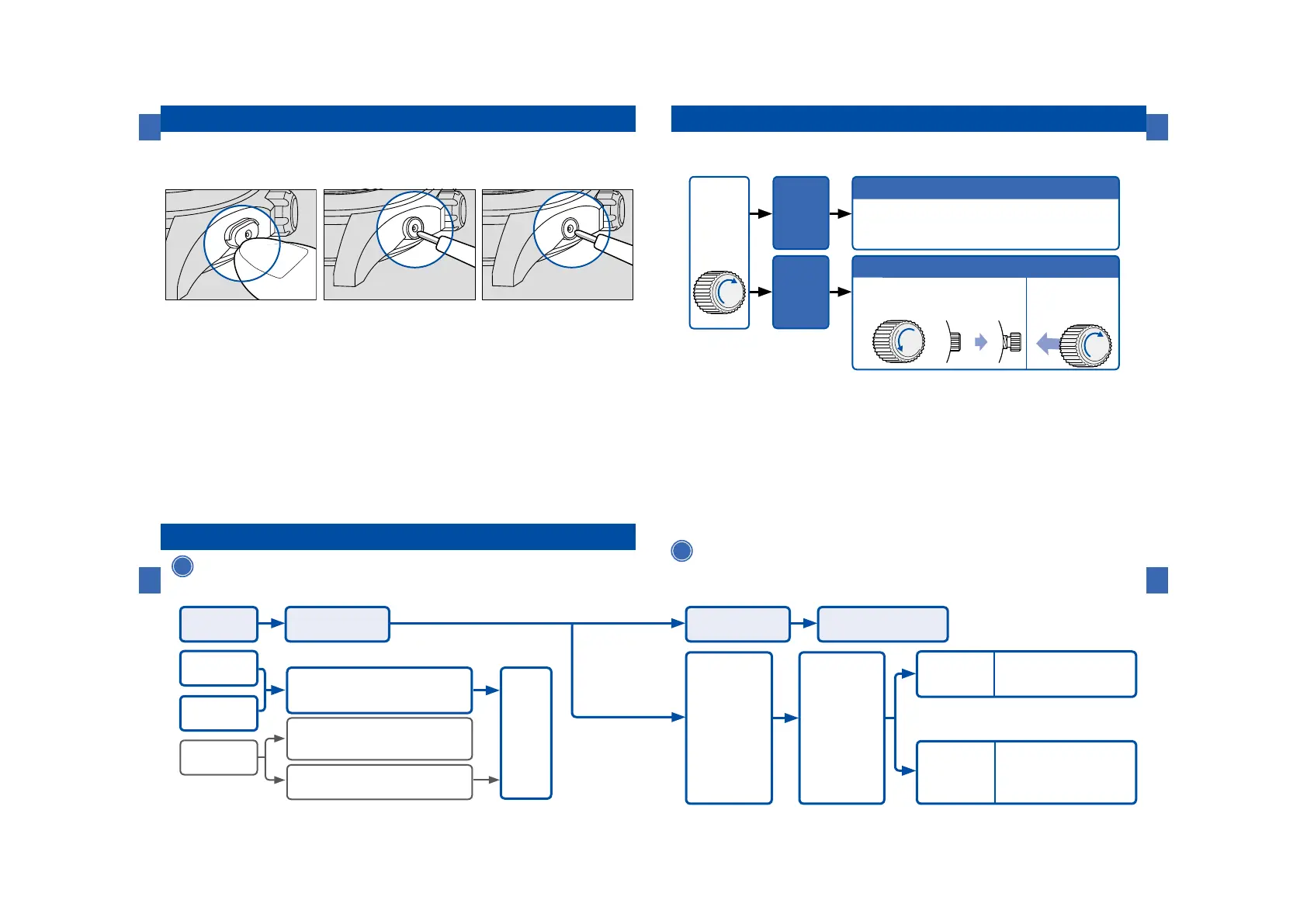
HOWTOUSETHEBUTTON
AboutThisProduct
1
SomemodelsmayhaveaButtonwhichisrecessedinthewatchcaseto
preventaccidentalinput.ShapeoftheButton differsdependingon the
designofthewatch.
UpperhalfoftheButtonis
covered.
TheButtoniscoveredexcept
thehollowinthemiddle.
TheButtonisrecessedin
thewatchcase.
Pressthelowerhalf of the
Buttonorpressthe hollowin
themiddleusinganobjectwith
alongtaperedtip.
Pressthehollow inthemiddle
usinganobjectwith a long
taperedtip.
Pressthehollowusing an
objectwithalongtaperedtip.



 To Next Page