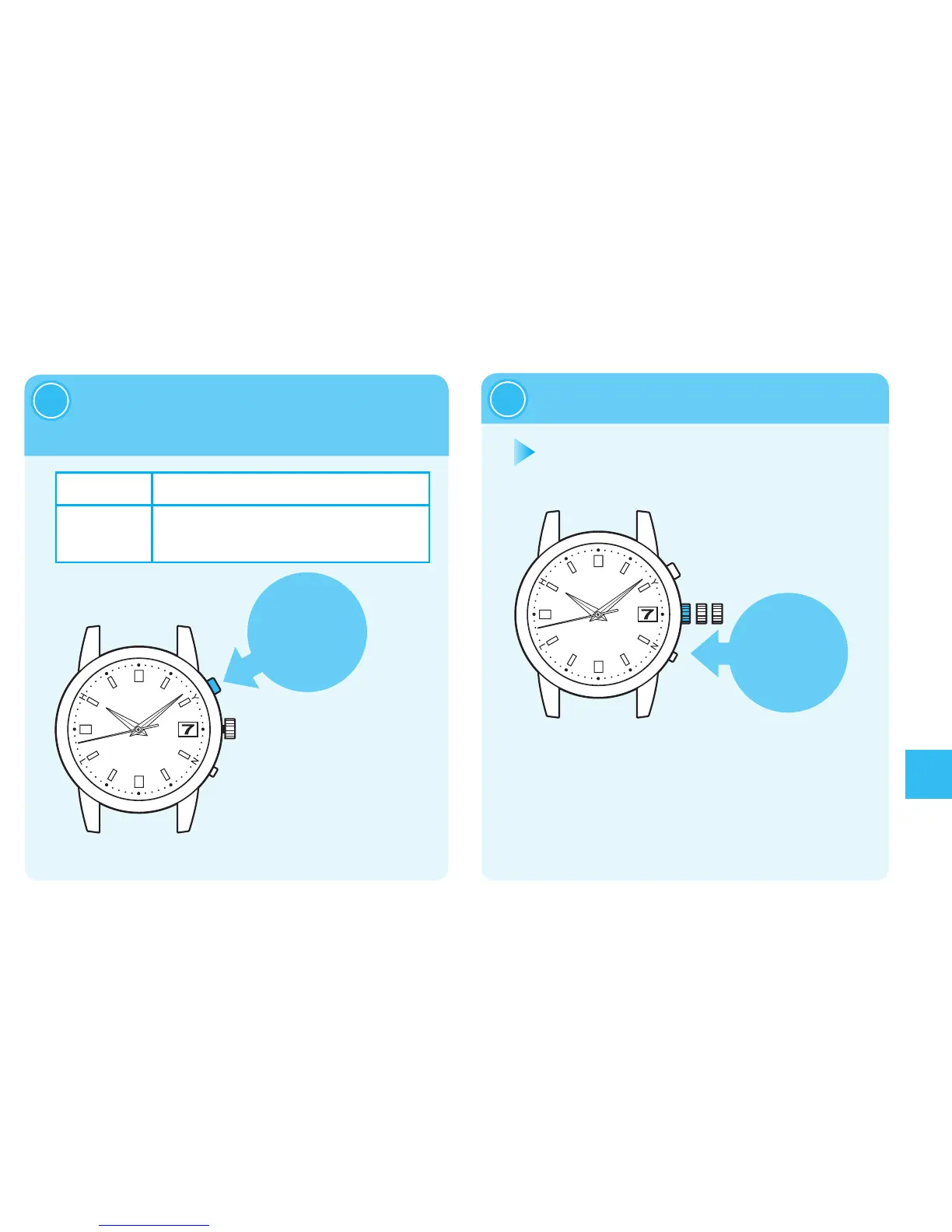
※T h e d a t e w i l l n o t
movebyturningthe
crown.
※Duringmovementof
thedate,thebutton
cannotbeoperated.
※
Whenthecrownis
ascrew locktype,
lockit.→page91
※
Adjustthedatebyadvancingthedate.Thedatecannotbereverselymoved.
OnedayAdvance
PressButtonAonceandthenreleaseit.
Continuous
Advance
WhenButtonAiskeptpressedfortwoseconds
orlonger,thedatewillstarttomove.
PressButtonAagaintostop.
Operationhasbeencompleted.



 To Next Page