●
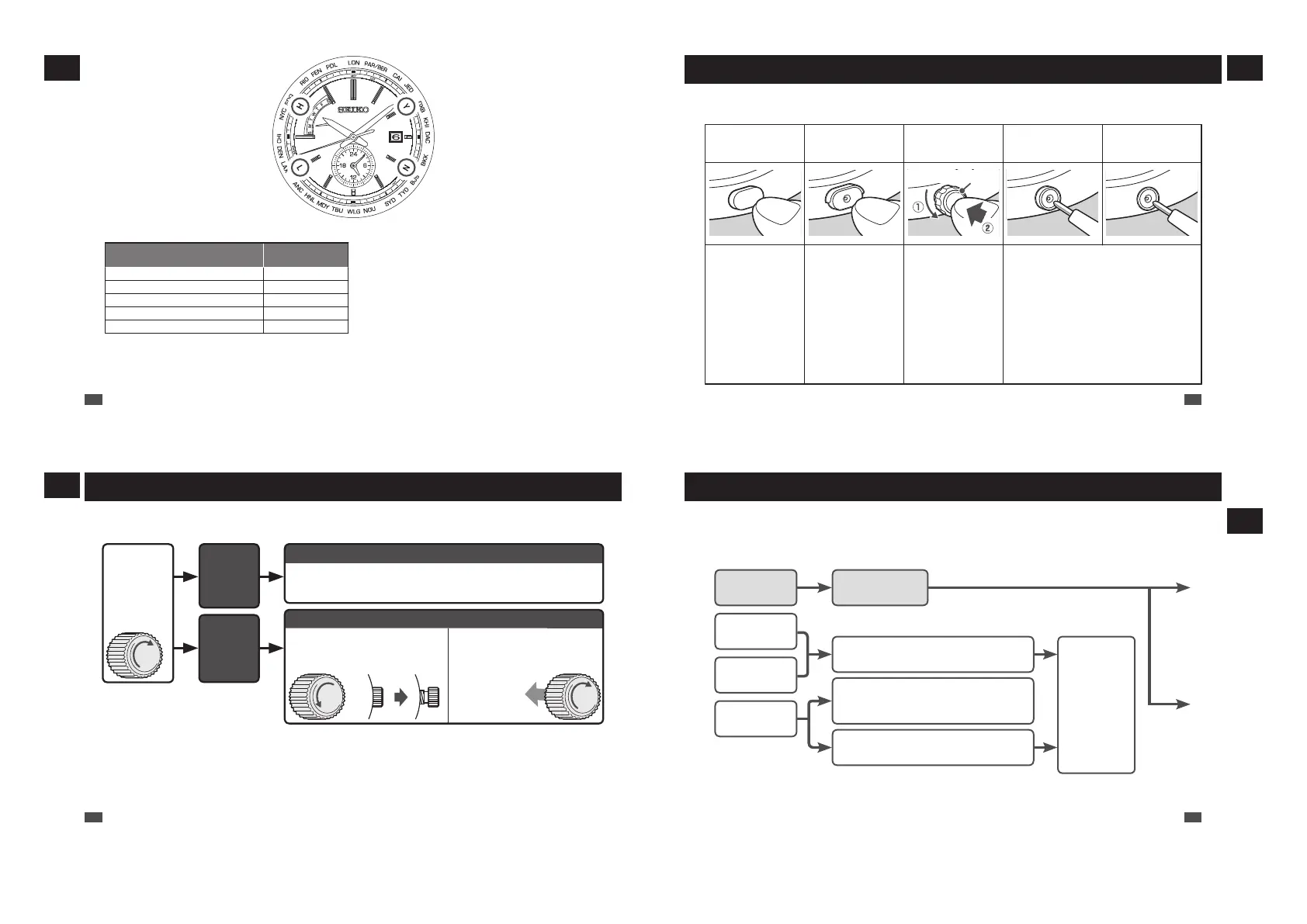
Reception level display
[Manual reception]
H
:
High reception level (50-second
position)
L
:
Low reception level (40-second
position)
N
:
Unable to receive radio signals
(20-second position)
* Reception level display → P.71
●
Reception result
display
[Check of reception result]
Y
:
Reception successful
(10-second position)
N
:
Reception failed (20-second
position)
* How to display the reception results
→ P.27
●
Standard radio signal display
Display (Country with radio
signal transmitting station)
Display position
J / JJY (Japan)
23-second position
B / BPC (China)
21-second position
W / WWVB (U.S.A.)
43-second position
D / DCF77 (Germany) 3-second position
M/MSF (UK) 0-second position
* World time function → P.29
●
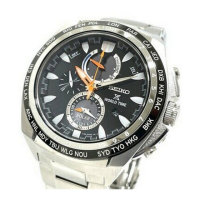
Time zone display
[Time zone selection]
City names
:
25 regions around the world
* How to select the time zone (How to display the local
time around the world) → P.31
* Time zone display and time difference table → P.33
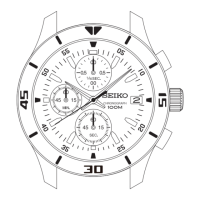
* Indication on the bezel or positions of each item on the
dial may vary depending on the model (design).
EN
12
1
HOW TO USE
How to use the button
Some models may have a button which is recessed in the watch case to prevent accidental input.
Shape of the button differs depending on the design of the watch.
Normal Button
Upper half of the
Button B is covered.
Button B has an outer
ring.
Button B is covered
except the hollow in the
middle of the button.
Button B is embedded
in the watchcase.
Button ring
Press the button with
your finger
Use an object with a
long tapered tip.
* You can also press the
lower half of the button
with your finger.
1. Turn the outer ring
counterclockwise
(to a downward
direction) to loosen
it.
2. Press the button
with your finger.
* After finishing the
operation, make sure
to relock the outer ring
by turning it clockwise.
Press the button using an object with a long
tapered tip.
EN
13
1
HOW TO USE
Crown
There are two types of crowns, a normal crown and a screw down crown.
Please check the type of the crown of your watch.
While
pressing the
crown in, turn it
in the direction
indicated by
the arrow.
The
crown
turns.
The crown
does not
turn.
Normal crown
Pull out the crown and operate it.
Screw down crown
Unlock the crown before
operating it.
After operating the crown,
lock it.
Unscrew
Rotate while
pressing
the crown in.
* By locking the crown by screw, a screw down crown can prevent malfunction and increase water resistance.
* Be careful not to screw the crown in by force as it may damage the slots of the crown.
EN
14
1
HOW TO USE
Before Use
1
Checking the Charging Status
When the movement of the seconds hand shows an energy depletion state, the battery requires
charging.
The seconds hand moves
at one-second intervals.
The seconds hand moves
at two-second intervals.
The seconds hand moves
at five-second intervals.
The seconds
hand is stopped.
The watch is
sufficiently charged.
The charged energy is depleted.
→ P.42
The power save function is activated. → P.
43
Check the movements of the seconds hand
after releasing the Power Save mode.
The energy stored in the watch runs low.
Charge the
battery
sufficiently.
How to charge
the battery
→ P.40
* If the seconds hand does not move at one-second intervals even after fully charging the battery, refer to
“Charging the solar battery” in Troubleshooting on P.90
EN
15
2
BEFORE USE



 To Next Page