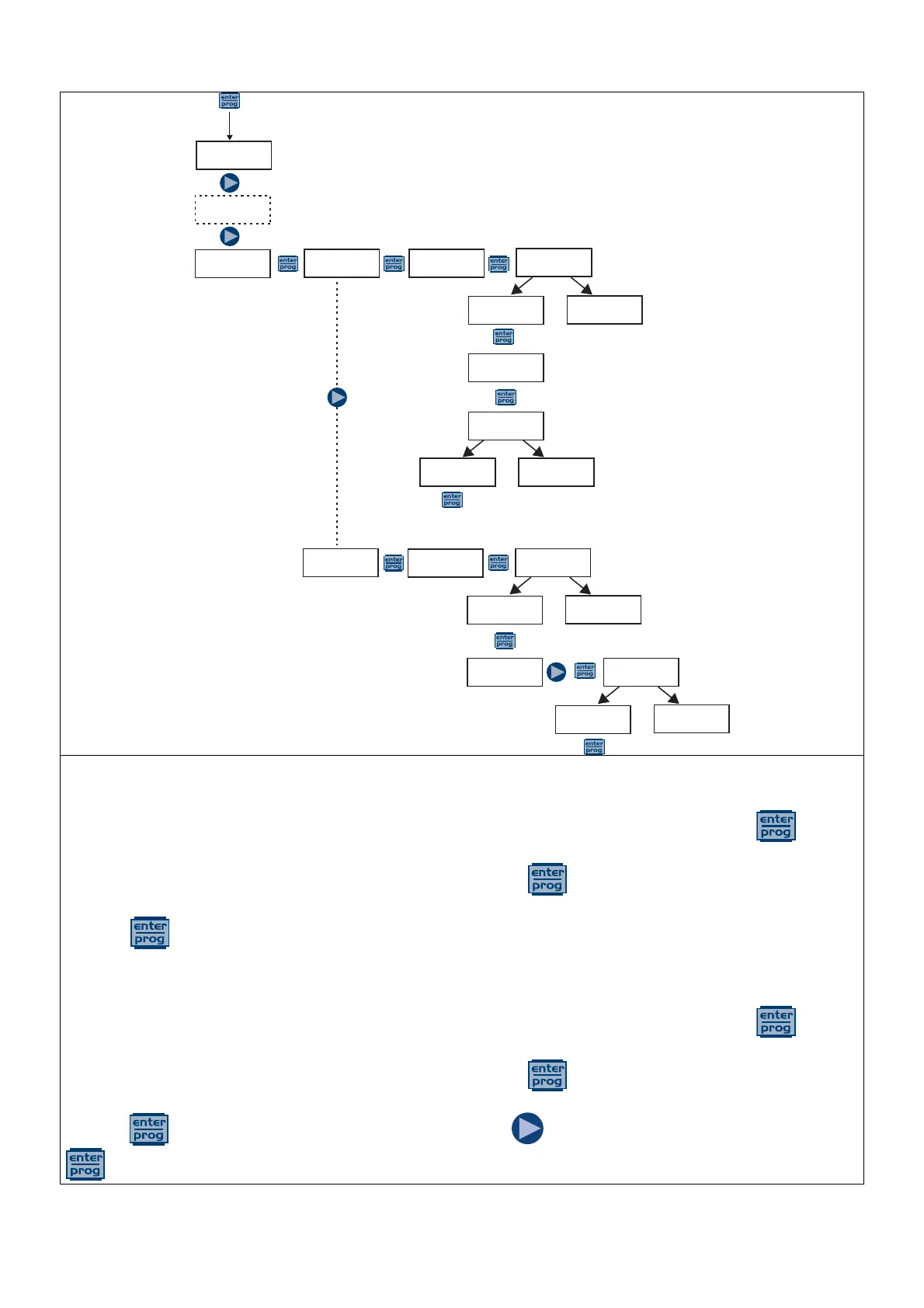
You can choose the automatic or manual calibration mode, in both cases the calibration at pH 7 is automatic.
- Automatic calibration:
When the display shows the value of the buffer solution, insert the probe into the bottle, press and the
display will show the countdown of the 60 seconds required to complete the calibration. If the quality of the
alignment is less than 50%, an error appears on the display; press to exit the calibration (after 4 seconds the
pump will automatically exit the calibration); if the quality is higher than 50%, the value appears on the display;
pressing you will be prompted for the pH 4 or 9 buffer solution; at this point the procedure is similar to the
previous calibration.
- Manual calibration:
When the display shows the value of the buffer solution, insert the probe into the bottle, press and the
display will show the countdown of the 60 seconds required to complete the calibration. If the quality of the
alignment is less than 50%, an error appears on the display; press to exit the calibration (after 4 seconds the
pump will automatically exit the calibration); if the quality is higher than 50%, the value appears on the display;
pressing on the display will flash the pH 7.00 value; press to insert the value of my solution, then press
to confirm and start the calibration procedure as described previously.



 To Next Page