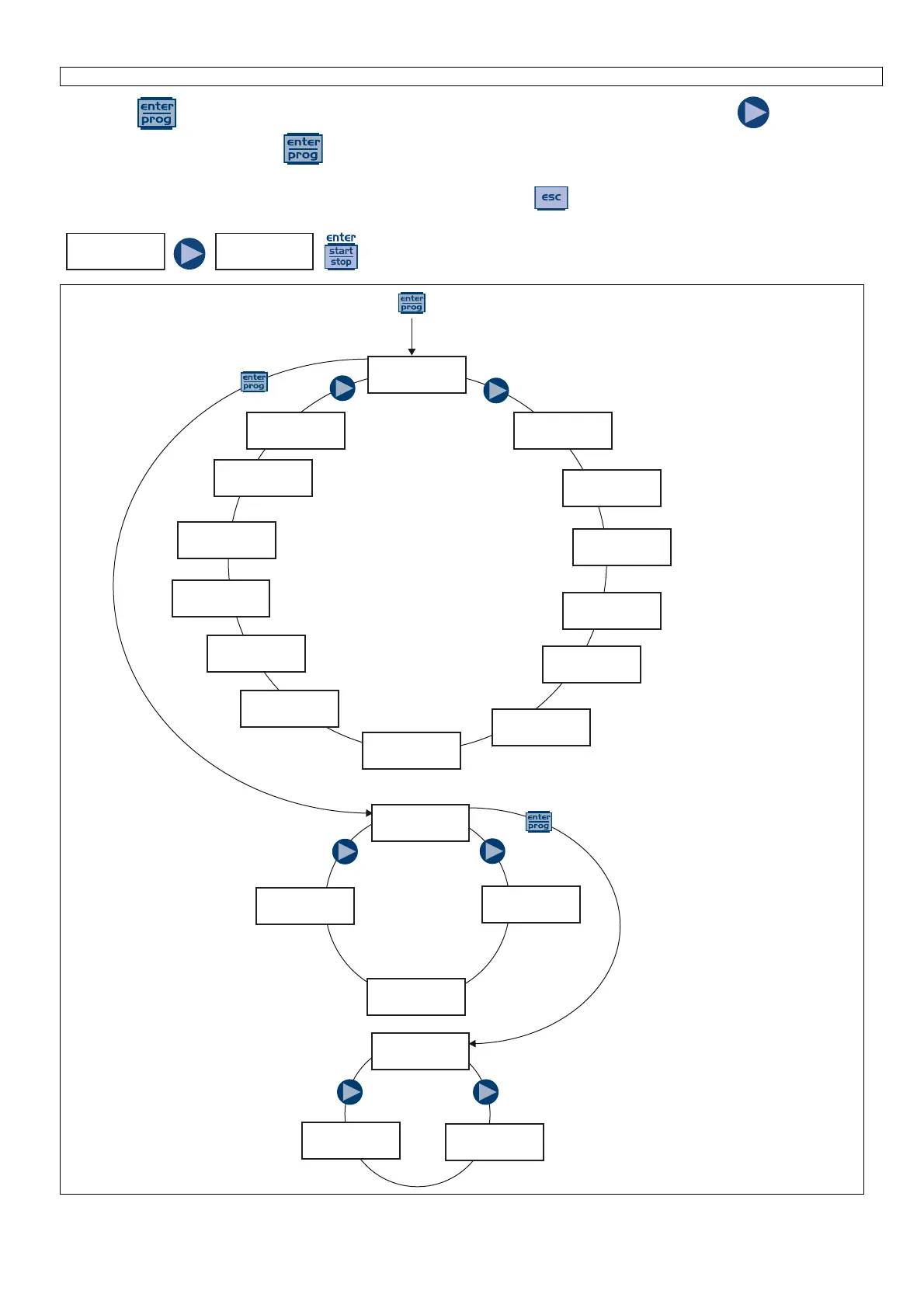
Press the keys for more than three seconds to access the programming mode. Press the key to scroll
the menu items, then press the key to access the options. Whenever a menu item is editable, it flashes.
By default the pump is set for constant mode. The pump automatically returns to operating mode after 1 minute of
inactivity. In this case, the data entered will not be saved. Press the key to exit the programming levels. When
you exit the programming mode, the display shows:
to confirm your choice.



 To Next Page