6
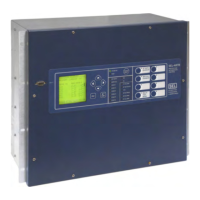
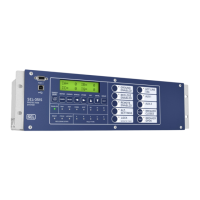
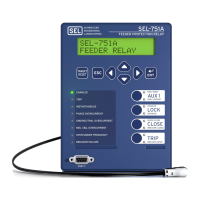
This section of the Express Installation Guide provides step-by-step instructions for a possible application of the SEL-751A
Feeder Protection Relay. For more information on the setting procedures, please refer to the SEL-751A instruction manual, or
contact your local SEL representative. For more information on relay setting using a PC configuration, please refer to Section 3
of the SEL-751A instruction manual.
The SEL-751A can be used to enable and disable Arc Flash Hazard Energy (AFHE) reducing protection. The AFHE reducing
protection enables a phase overcurrent element that is set sensitive enough to provide instantaneous tripping for phase fault on
downstream energized equipment. When properly implemented, this protection may, reduce incident energy exposure.
The SEL-751A relay is equipped with four levels of phase instantaneous overcurrent elements (50P1, 50P2, etc.) that may be set
and temporarily activated with a front panel pushbutton, to provide enhanced (faster and/or more sensitive) protection while ener-
gized work is being done on downstream equipment. It should be noted that activating this protection scheme might result in loss
of device coordination.
This example will use setting 50P1P for the AFHE protection.
Step 1. Connect to the SEL-751A Feeder Protection Relay via
ACSELERATOR
®
QuickSet™ SEL-5030 Software.
a. Connect the relay to a PC using a SEL-C234A serial or SEL-C662 USB
cable.
b. Apply power to the relay.
c. Start the
ACSELERATOR QuickSet software program and establish
communication with relay.
d. Click on the Read Settings From Device icon to download the current
settings from the relay.
e. Save the downloaded setting file into your
ACSELERATOR QuickSet
database.
Step 2. Edit the ACSELERATOR QuickSet relay settings file.
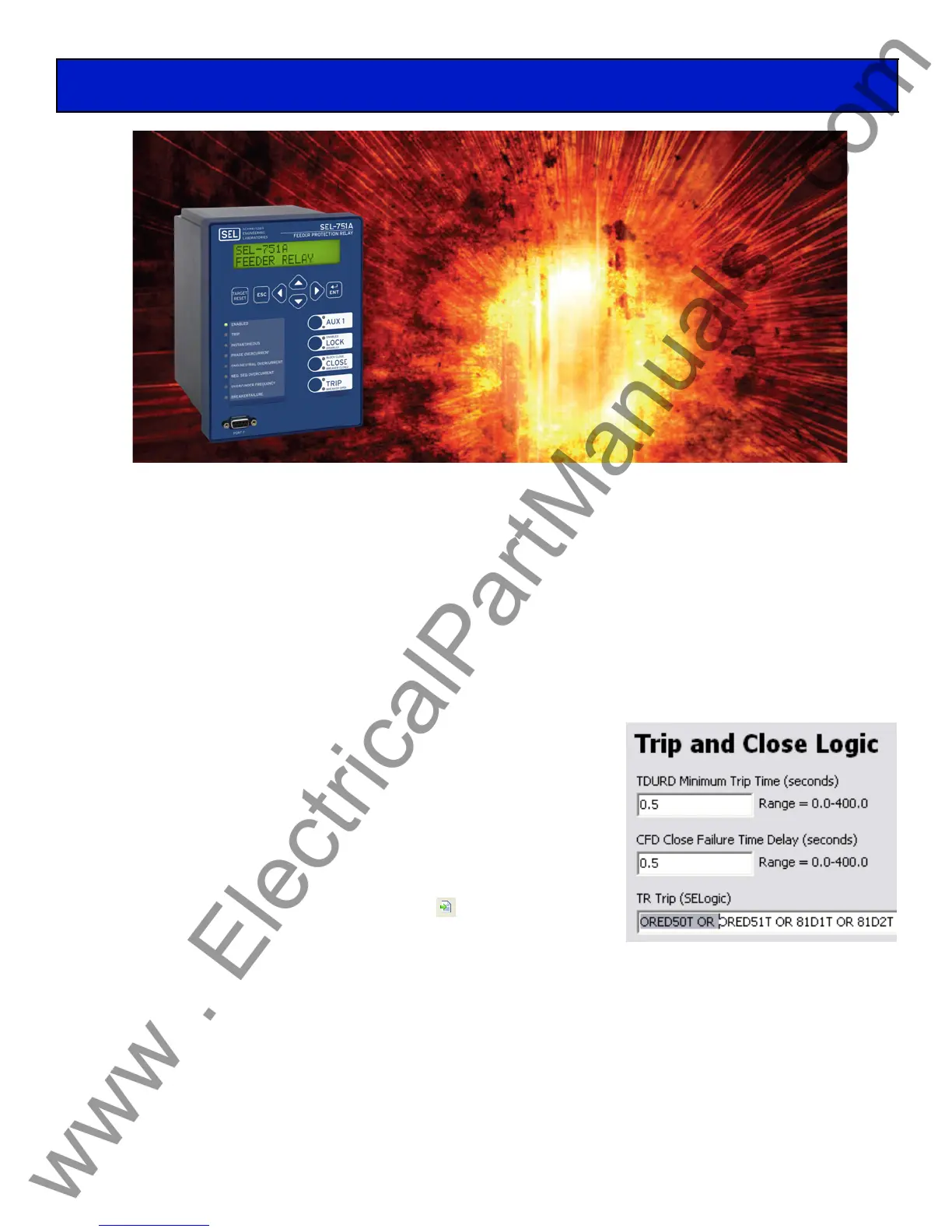
a. Edit the trip logic equation (TR), found under Group 1 > Set 1 > Trip and Close Logic in the Settings Tree View, by
deleting “ORED50T OR” from the TR equation.
b. Edit the SV01 SEL
OGIC Variable, found under Group 1 > Logic 1 > SELogic Variables and Timers, by adding “OR
(50P1P AND LT01)” to the end of the equation to allow a trip signal if the instantaneous element is triggered and latch bit
1 (LT01) is active.
c. Any other instantaneous elements (50PxT, 50NnT, 50GnT, or 50QnT) that are active and desired for tripping must also be
added individually to the SV01 SEL
OGIC Variable equation.
Relay Application: Arc Flash Protection
Reduce Arc Flash Hazards


 To Next Page