8
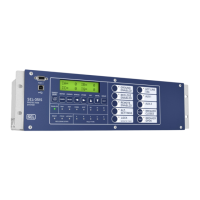
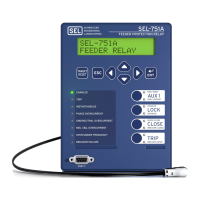
There are three ways of communicating with the SEL-751A Feeder Relay. You can communicate with the relay using the Human
Machine Interface (HMI) on the front panel, remote communications, or a direct computer connection. For direct serial communica-
tions, the computer must have a serial port (or USB port if using SEL-C662 USB cable) and the operating system should be
Windows® 2000 or newer. A standard EIA-232 crossover cable or an SEL-234A cable will also be required.
Communication With Relay
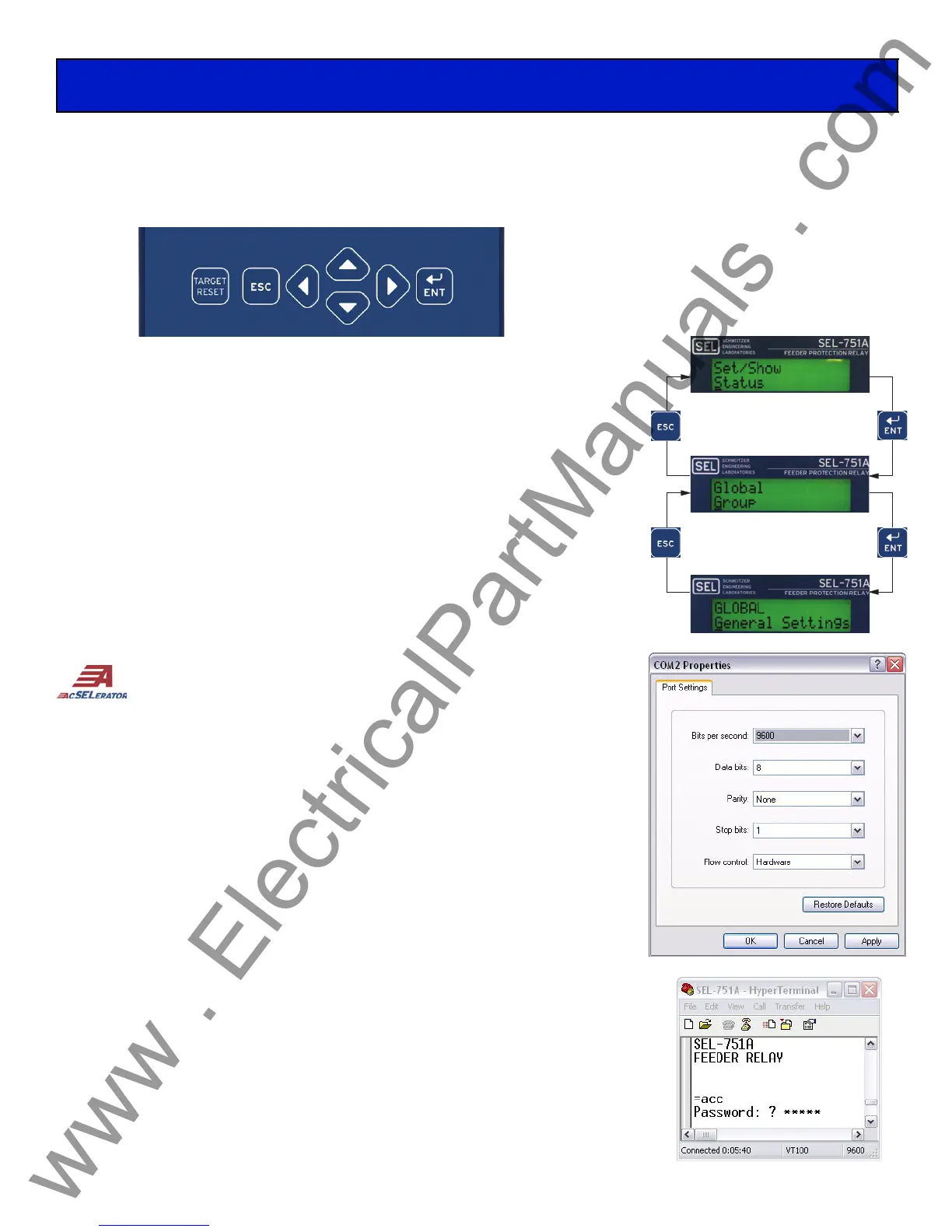
HMI Pushbuttons
Press the {TARGET RESET} pushbutton to clear targets that have been alarmed.
Press the {ESC} pushbutton to return to previous menu.
Press the directional (up, down, left, right) pushbuttons to scroll through options.
Press the {ENT} pushbutton for selection to see next menu.
Computer Connection Steps
Step 1. Connect the PC and the relay using a serial communications cable.
Step 2. Apply power to both the PC and the relay.
Step 3. Open a terminal emulation program.
Option 1:
ACSELERATOR
®
QuickSet™ SEL-5030 Software
Open
ACSELERATOR QuickSet and proceed to Step 4. If you do not
have
ACSELERATOR QuickSet, you can download the program from
www.selinc.com/sel-5030.htm. Refer to Section 3 of the SEL-751A
manual for more information about
ACSELERATOR QuickSet.
Option 2: HyperTerminal
To open HyperTerminal go to Start > Programs > Accessories >
Communications > HyperTerminal. Once there you will be
prompted to enter a name of your choice for the connection. Then you
will choose which port to connect through. Make sure you select the
same port that you connected the cable to, then click OK.
Step 4. Set the PC terminal emulation program to the same communications port
settings as shown in the figure to the right and click OK.
Step 5. Press the <Enter> key on the PC keyboard to check the communications
link. You should see the = prompt. If you do not see the = prompt, check
the cable connections, confirm that the settings in the terminal emulation
program are the default values, and that the emulation mode is set to
VT100.
Step 6. Once connected, you can set all other relay settings and obtain values as
needed. Refer to Section 6 in the SEL-751A manual for more
information.
Date Code 20070806
SEL-751A relays are shipped with default
passwords. To prevent unauthorized
access, change default passwords to pri-
vate passwords at installation. SEL shall
not be responsible for damage resulting
from unauthorized access.


 To Previous Page