2
SEL Application Guide 2015-33 Date Code 20151102
Step 2
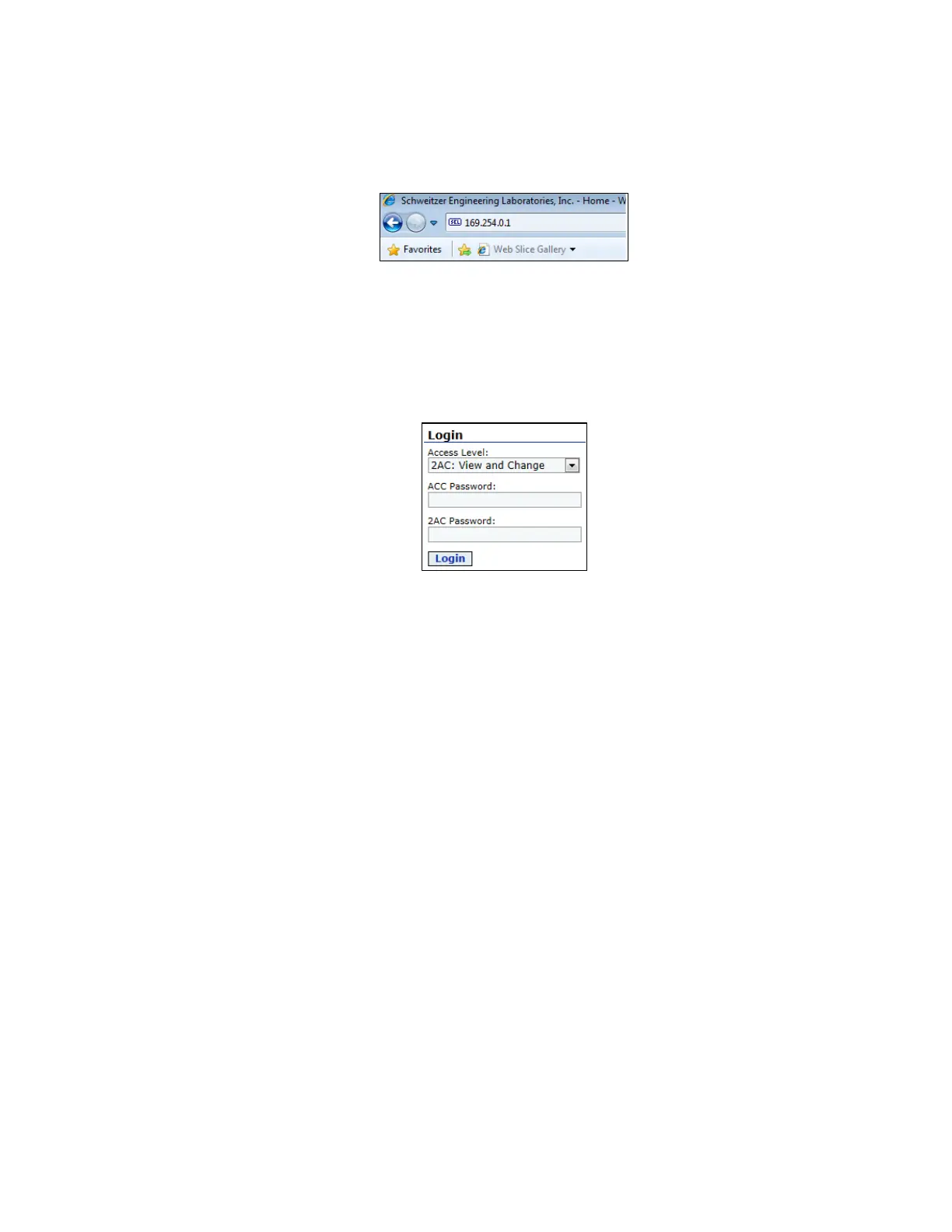
Open an Internet browser and type the SEL-849 default IP address (169.254.0.1) into the URL
address bar, as shown in Figure 2.
Figure 2 SEL-849 IP Address
Step 3
Select 2AC: View and Change in the Access Level tab. Type the default password OTTER into
the ACC Password field and TAIL into the 2AC Password field. Click Login, as shown in
Figure 3. Changing the default passwords is recommended.
Figure 3 Built-In Web Server Login Screen



 To Next Page