16
Press and release the CONFIRM button. Continue to press and release until the
shades jog.
e original remote or channels have been unlinked.
REMOVE A SHADE FROM A REMOTE OR CHANNEL AND
LINK IT TO A DIFFERENT REMOTE OR CHANNEL
Link the motor to the new remote or channel
1. Follow the steps for replacing the remote on page 15.
1
2
3
4
5
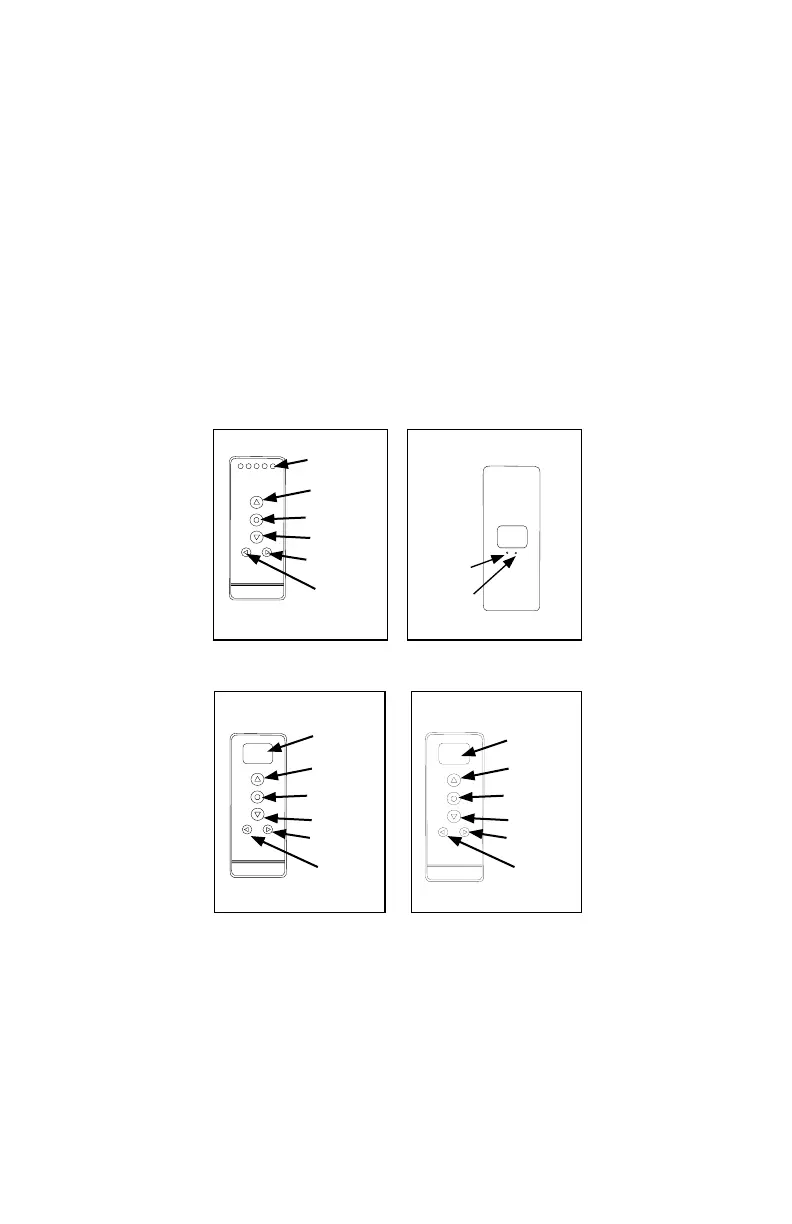
Channel
Display
Up
Stop/Favorite
Down
Channel +
Channel -
5 Channel Remote (front)
C
L
Conrm
Limit
Back of all Remotes
Channel
Display
Stop/Favorite
Down
Channel
Rail
Selector
14 Channel Remote (front)
Up
00:00
MANUAL
Display
Screen
Stop/Favorite
Down
Channel
Mode
Timer Remote (front)
Up



 To Next Page