22
REPLACING THE BATTERY IN THE REMOTE
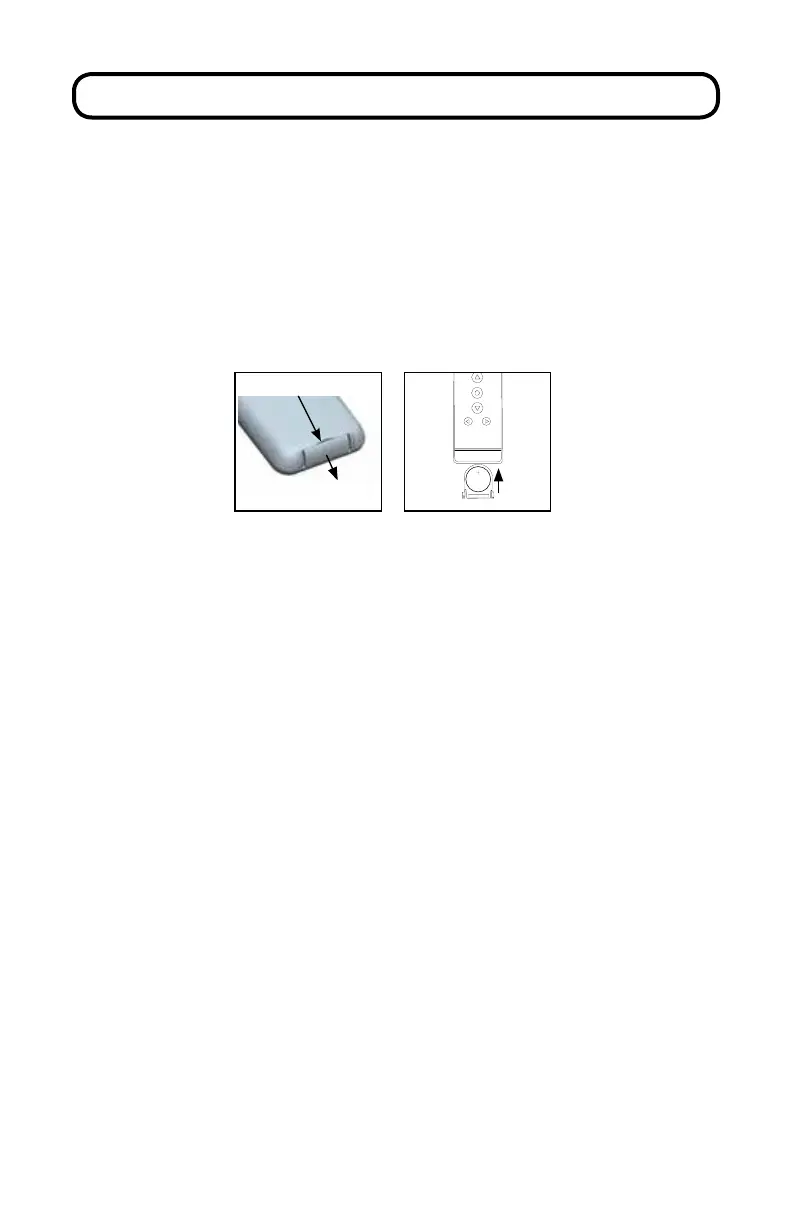
Insert ngernail here
LITHIUMBATTERY
CR2430 3V
Remove the battery tray from the remote by inserting a ngernail into the
indentation on the back of the remote. To avoid the battery falling out of the
remote, remove the tray while the remote is face up.
Insert the new battery (CR2430 lithium) into the battery tray so that the writing
is facing up (positive up) when the remote is face up. Slide the tray back into the
remote.



 To Next Page