IN0051 Revision 05 (005293)– 19 of 26
POWER PERFORMANCE PASSION
SP PRO Interactive Inverter Charger
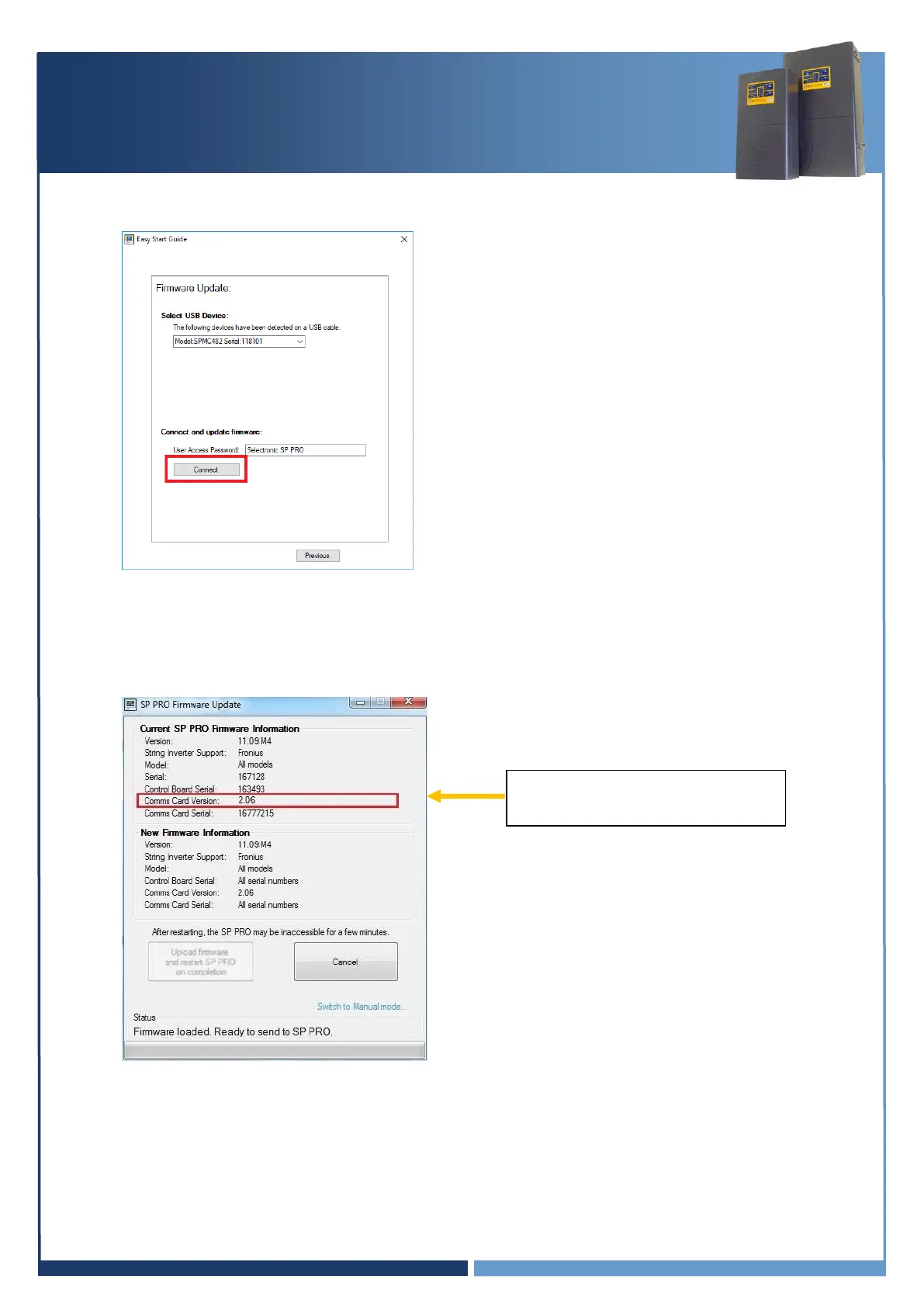
8. Verify the firmware has updated successfully. Once the SP PRO has restarted, wait another 20
seconds then click “Connect” again at the Easy Start Guide.
9. Make sure the Current “Comms Card Version” is 2.06 or higher, and matching the New version.
Note: If the blue or black comm card Firmware is up to date then the “Upload firmware and
restart SP PRO on completion” button will be disabled.
Note: The blue or black comm
card info will be displayed on the
screen.





 To Next Page